Competitor Research - AliExpress Tutorial
Competitor Research - AliExpress Tutorial
📚 What This Tutorial Covers
Access the Competitor Research Tool
Goal: Learn how to analyze any AliExpress store and its top-performing products.
Start from the Market Insights dashboard.
Click on the Spy Icon labeled Competitor Research.
In the upper-left corner, select AliExpress as your platform.
✅ Tip: This feature allows you to extract real store insights directly from AliExpress to identify profitable sellers and products.
Search for an AliExpress Store
Goal: Retrieve full data for any store.
Copy the store name or store ID from AliExpress.
Paste it into the search bar in the Competitor Research tool and click Search.
ZIK will display a detailed overview of that seller’s store performance.
✅ Pro Tip: Always double-check that you’ve entered the correct store URL or ID for accurate results.
Analyze Store Performance
Goal: Understand key performance metrics for the seller.
Once the data loads, you’ll see:
- Active Listings
- Sold Items
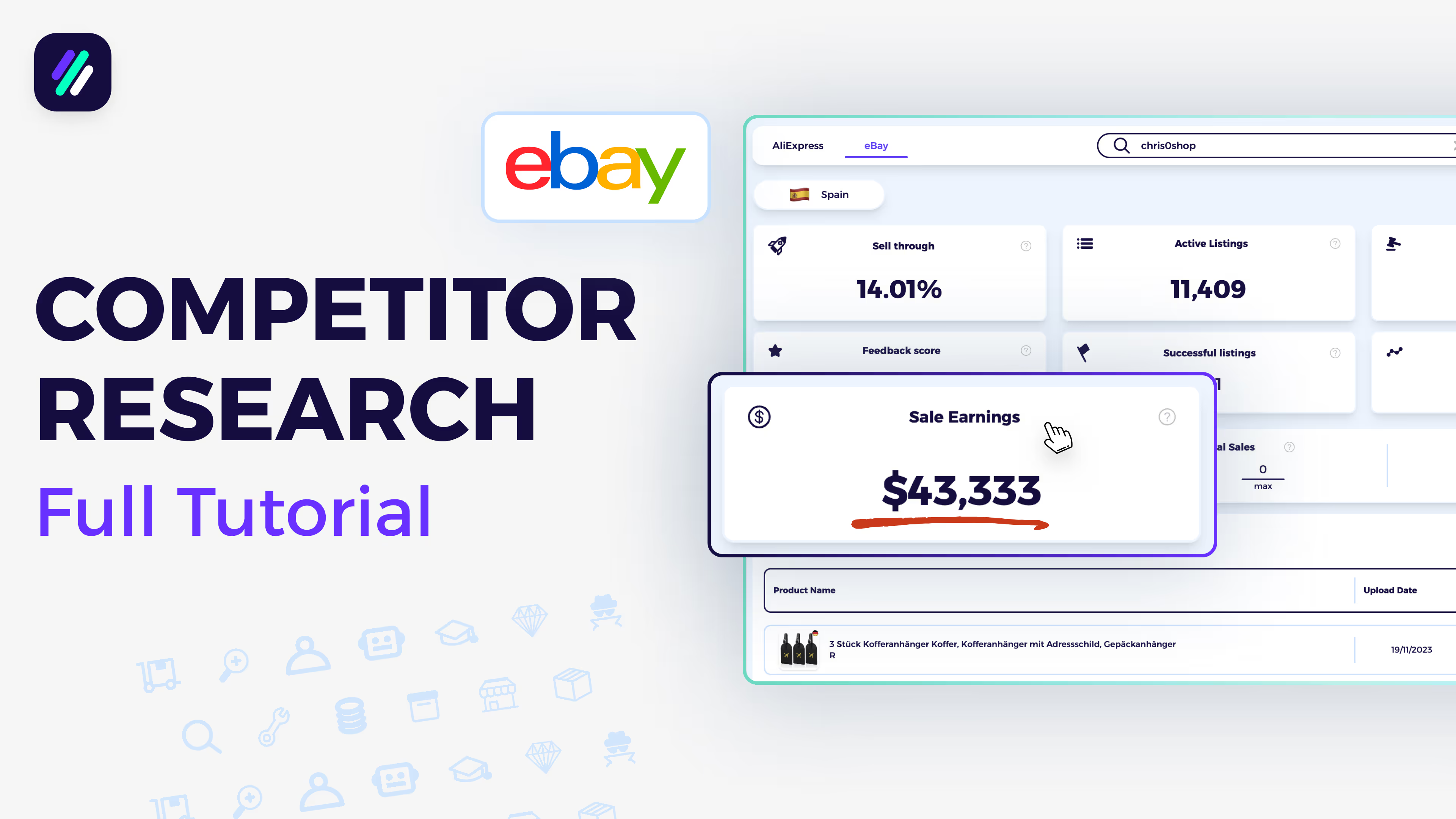
- Total Sale Earnings
- Feedback Count
- Successful Listings Percentage
- Average Product Price
Scroll down to view individual product details including:
- Product Image and Title
- Shipping Information
- Ratings and Reviews
- Sales Volume
- Product Price
✅ Insight: Focus on stores with high sales and strong feedback — these are your best models for sourcing and pricing strategy.
Review Store Profile Data
Goal: Get a deeper look at the store’s reliability and overall activity.
You can view:
- Seller’s Name and Country
- Total Feedback Score
- Store Opening Date
- Communication Rating
- Total Items Scraped
- Estimated Revenue
✅ Tip: Use this data to assess supplier credibility before sourcing from them.
Save and Scan Products
Goal: Organize and research store products for your own selling strategy.
Click Save to Folder, choose your preferred folder, and confirm by selecting Save to Folder again.
You can also click Scan on eBay, which will automatically search this product title on eBay for related listings — allowing you to compare competition and pricing.
✅ Pro Tip: Use this feature to discover whether the same AliExpress products are already performing well on eBay.