How to upgrade subscription tutorial
How to upgrade subscription tutorial
📚 What This Tutorial Covers
Upgrade Subscription Tutorial
Goal: Learn how to upgrade your ZIK Analytics subscription plan quickly and easily from your account dashboard.
✅ Insight: You can upgrade anytime to unlock more tools, higher limits, and advanced analytics features that help you scale your eBay business.
1. Accessing the Billing Section
Go to the Management Panel at the bottom of your dashboard.
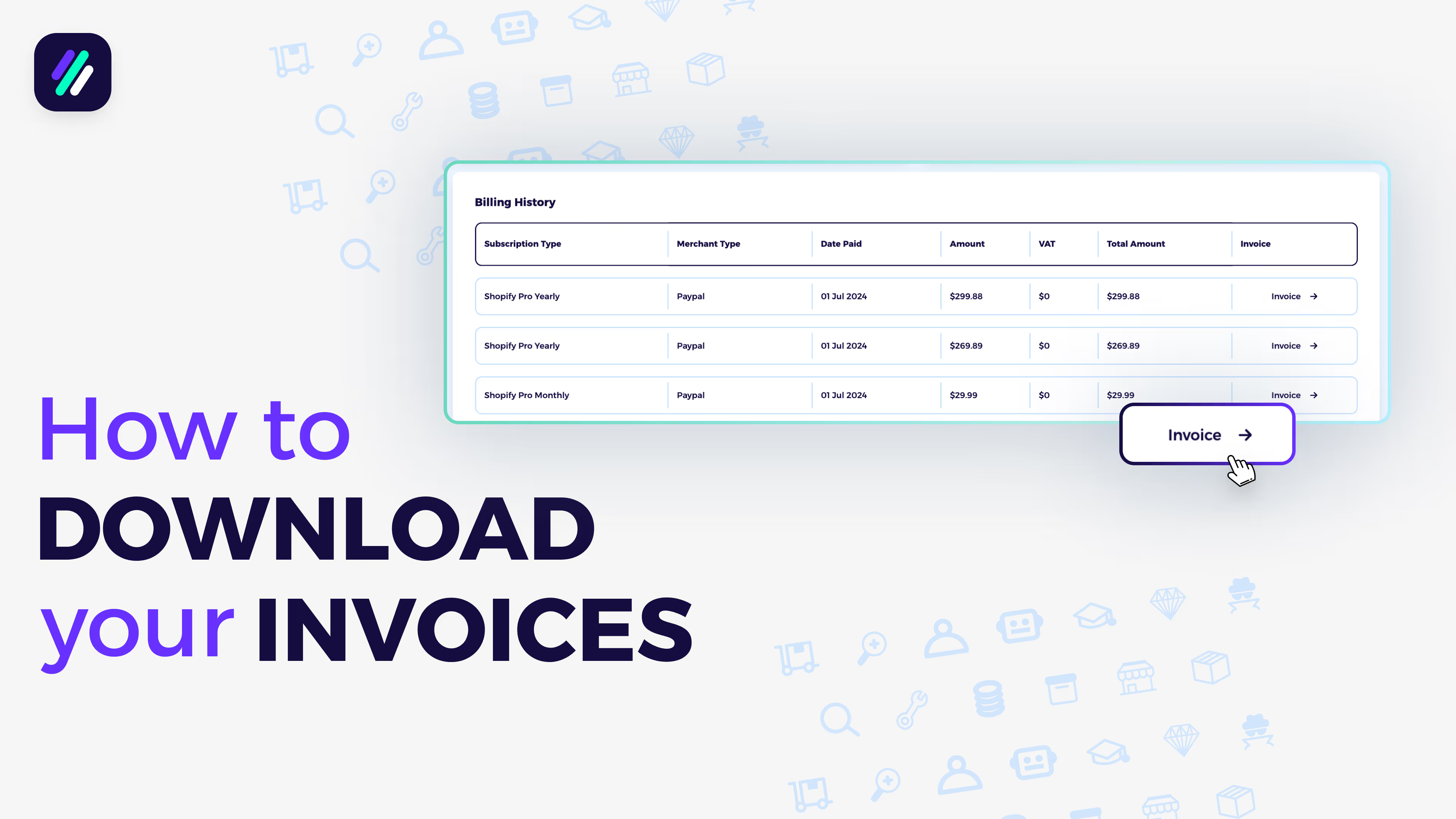
Click Billing to open your account’s billing details — here you’ll see your current plan, billing history, and payment information.
2. Upgrading Your Plan
Click Upgrade Now.
You’ll see three available options:
- Monthly Plans
- Yearly Plans
- Lifetime Plans
Choose the plan that best fits your needs and click Upgrade Now again.
3. Choosing a Payment Method
Select your preferred payment option:
- Credit Card
- Debit Card
- PayPal
- Payoneer
Once payment is processed, your account will instantly be upgraded.