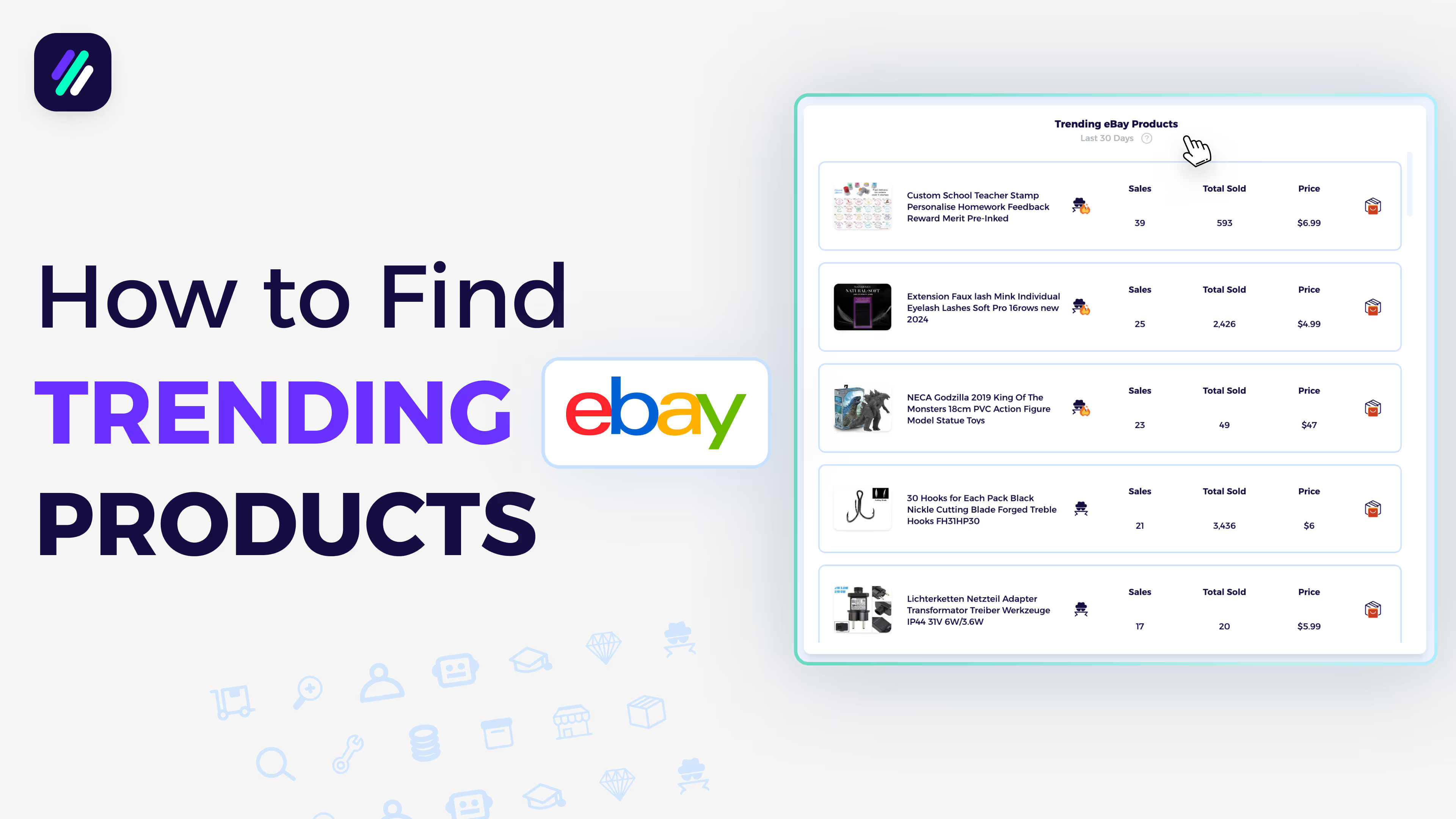
AliExpress to eBay Dropshipping | Easy Product Research Method
AliExpress to eBay Dropshipping | Easy Product Research Method
📚 What This Toturial Covers
Set Up Seller Settings Correctly
Goal: Ensure you’re using accurate data for your dropshipping setup.
Click the settings icon and select:
- Selling platform: eBay.com
- Business model: Dropshipping
- Supplier: AliExpress
✅ Tip: Correct settings tailor all insights—products, competitors, and niches—to your exact business model.
Explore Trending Products
Goal: Quickly find proven, profitable items to dropship.
In Trending Products, you’ll see all high-performing products from the past 30 days.
For each item, you can review:
- Product photo and title
- Sales in the last 30 days
- Lifetime sales
- Price and potential profit
Click the Item Finder to locate the exact or similar product on AliExpress.
You’ll also see:
- Supplier store rating
- Source price
- Estimated profit margin
✅ Pro Tip: Save each product to a dedicated folder (e.g., “Ali Winning Products”) to organize and track your listings easily.
Upload and Automate Listings
Goal: List winning items faster.
Once saved, you can:
- Upload manually to eBay,
- Export via CSV, or
- Use ZIK’s integrations to fully automate the listing process.
✅ Insight: Automated listing tools keep your inventory synced with supplier updates—reducing out-of-stock risks.
Analyze Top Dropshippers
Goal: Learn from successful sellers using the same supplier.
Go to Trending Dropshippers to view the top-performing stores that use AliExpress.
You’ll see:
- Seller name and country
- Feedback rating
- 30-day revenue
Click Scan Seller to instantly view:
- Sales performance
- Top-selling items
- Pricing structure
✅ Tip: Use the Item Finder on their bestsellers to locate those exact products on AliExpress and replicate success.
Discover Hot Niches
Goal: Find high-demand product categories that fit your model.
In Trending Niches, you can view niches that performed best in the past 30 days. Click any niche to analyze:
- Revenue and sell-through rate
- Bestselling products
- Competition levels
✅ Pro Tip: Focus on niches with consistent upward trends, not just one-month spikes.
Plan with the eCommerce Calendar
Goal: Prepare your listings for upcoming demand surges.
Use the eCommerce Calendar to track upcoming holidays and events.
For each one, you’ll see:
- Days remaining
- Trending keywords
- Product suggestions
✅ Insight: Plan listings around events like Father’s Day or National Wine Day at least 2–3 weeks in advance to capture peak sales.
Suggested Videos
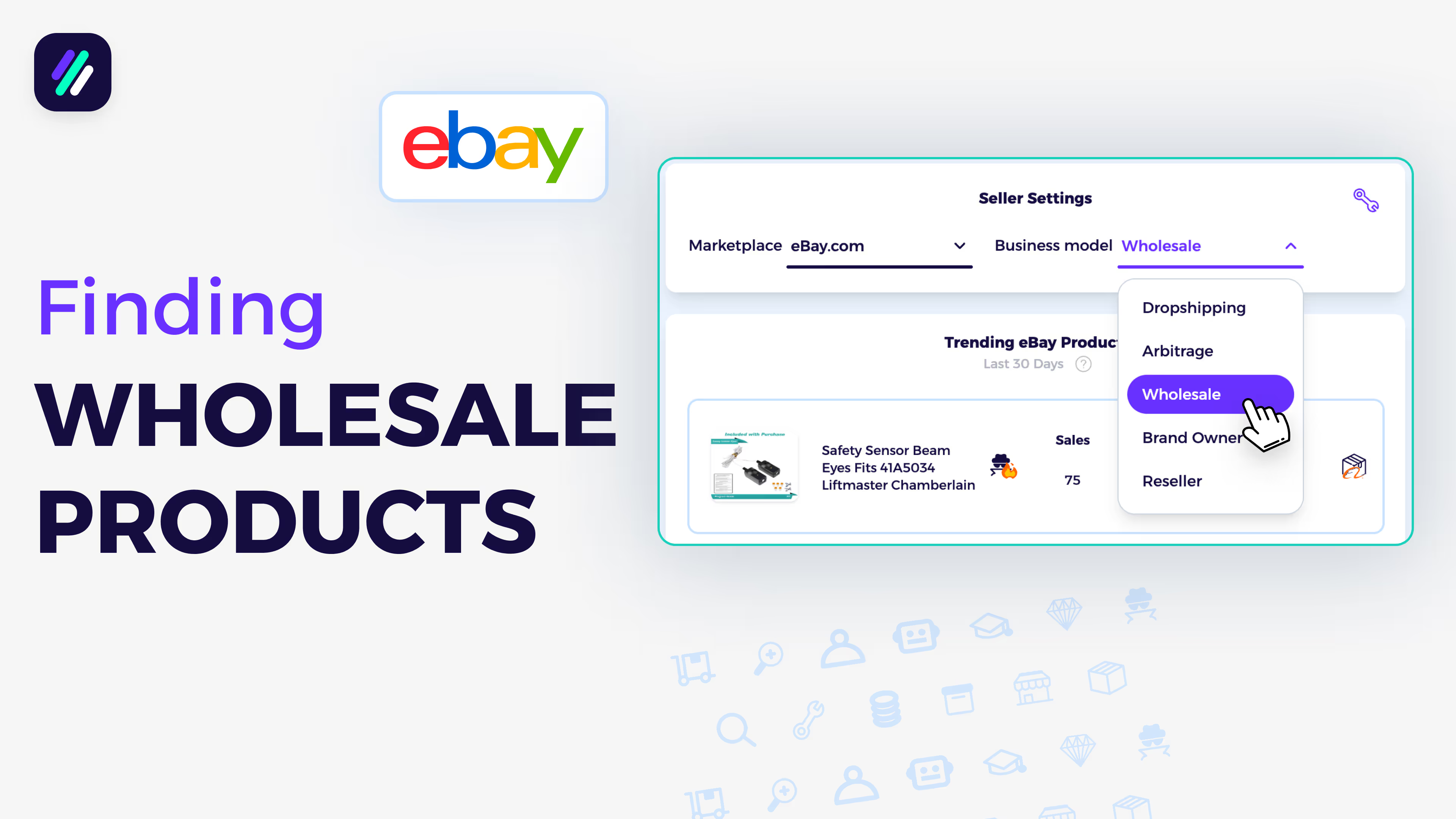
Find Winning Wholesale Products to Sell on eBay Based on Data
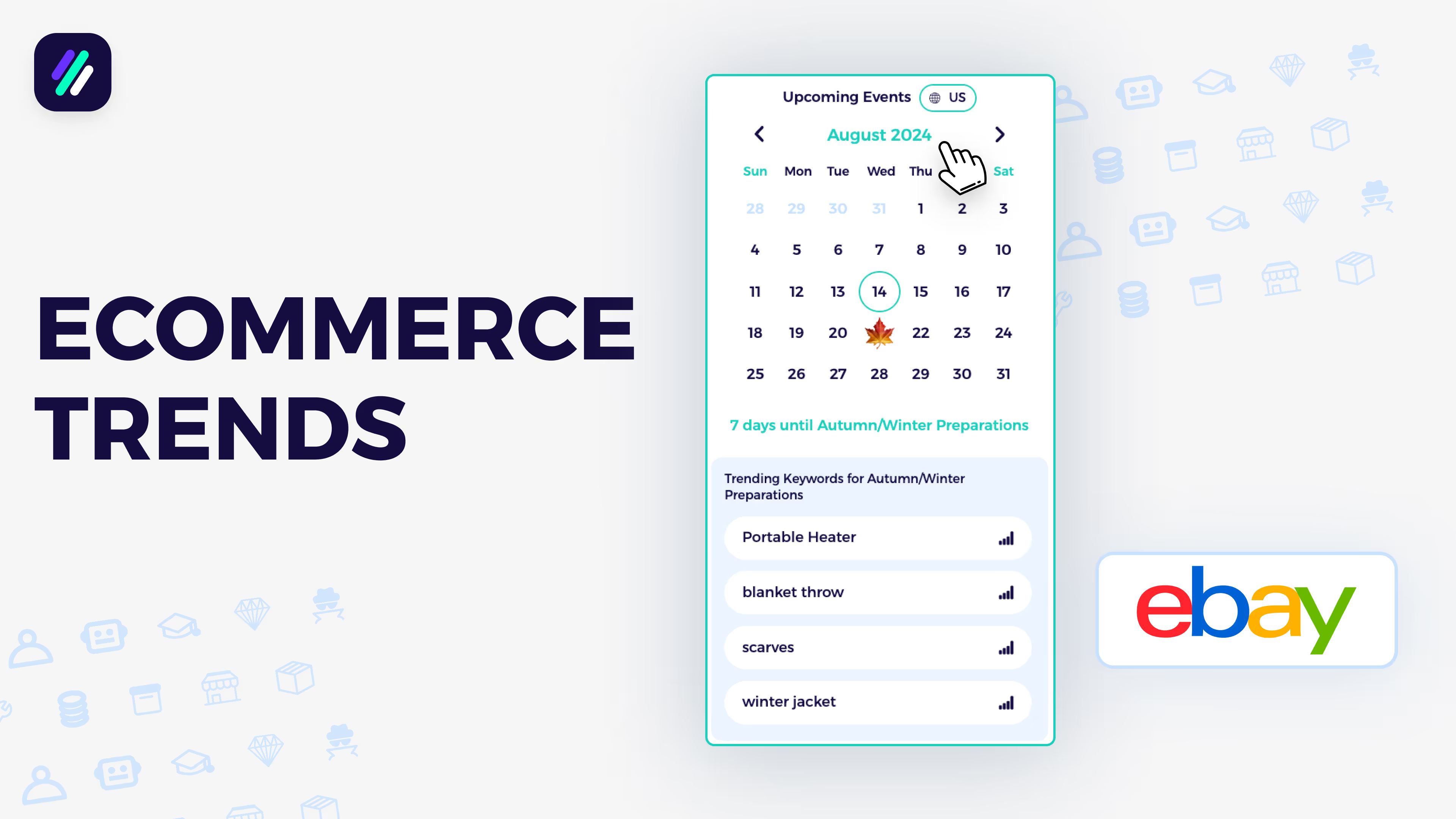
Stay on Top of eCommerce Trends with Market Insights Calendar
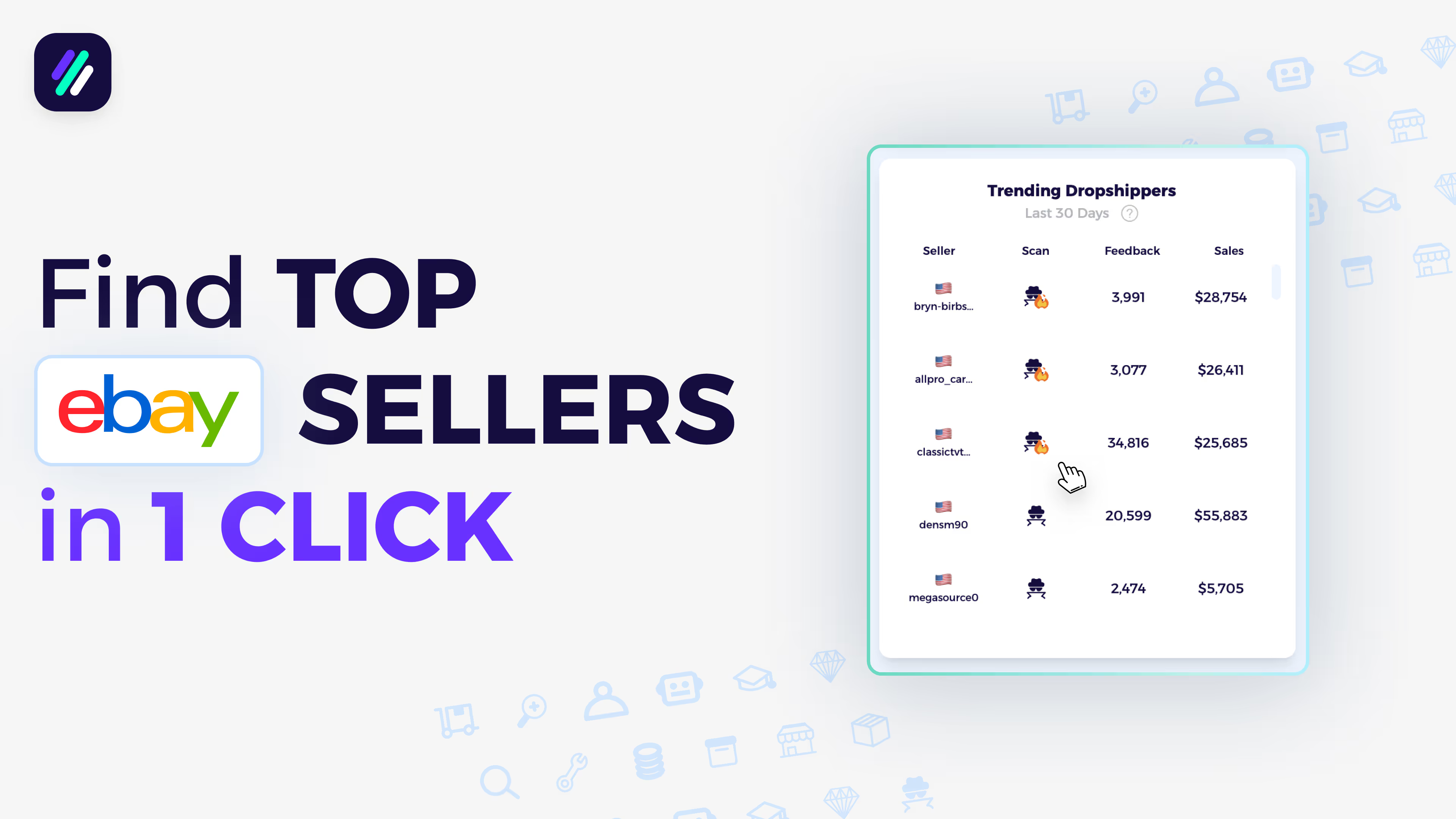
Find the top eBay Sellers in just 1 click | Fast Competitor Research
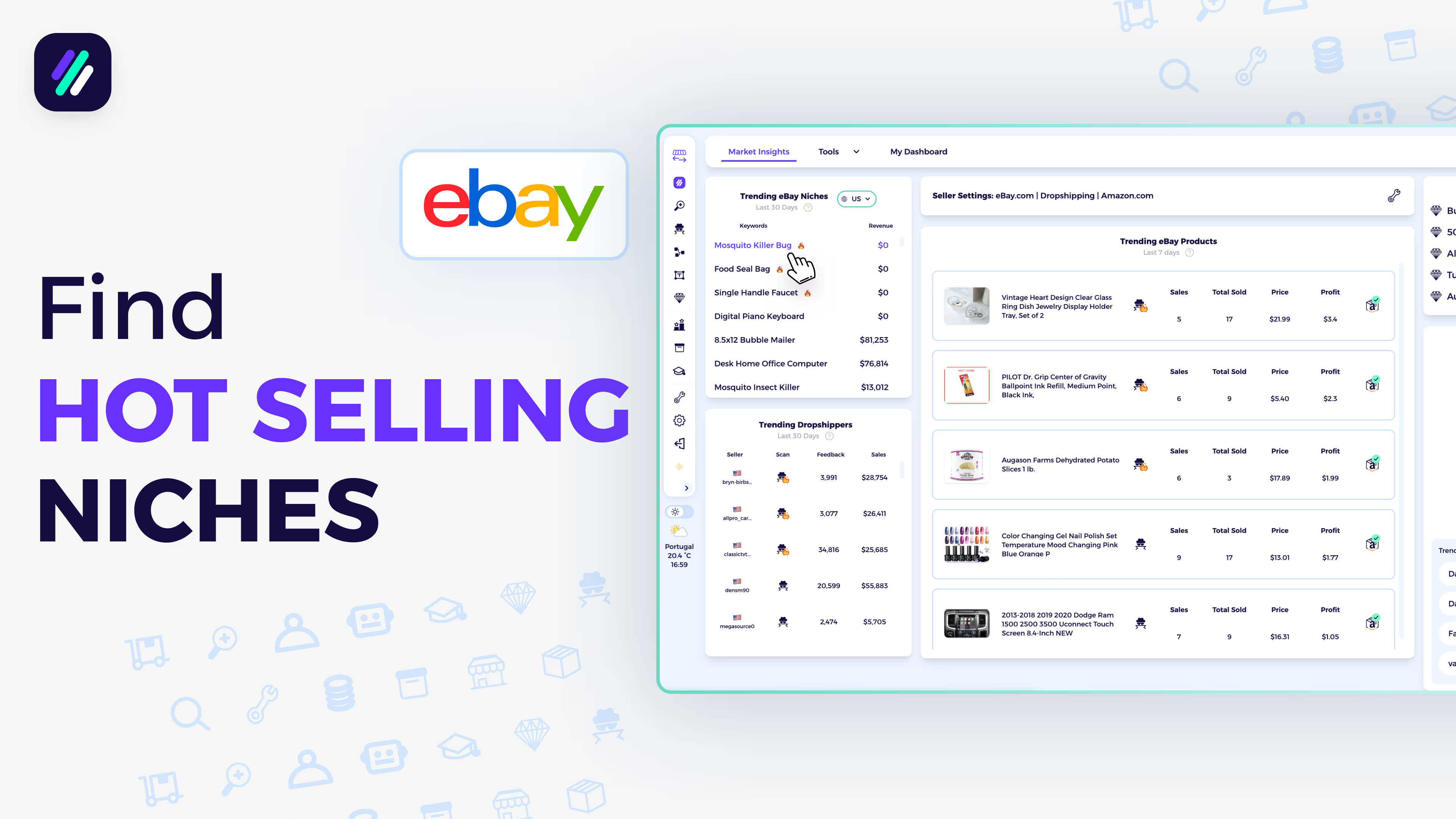
How to find HOT niches for your eBay Selling Business
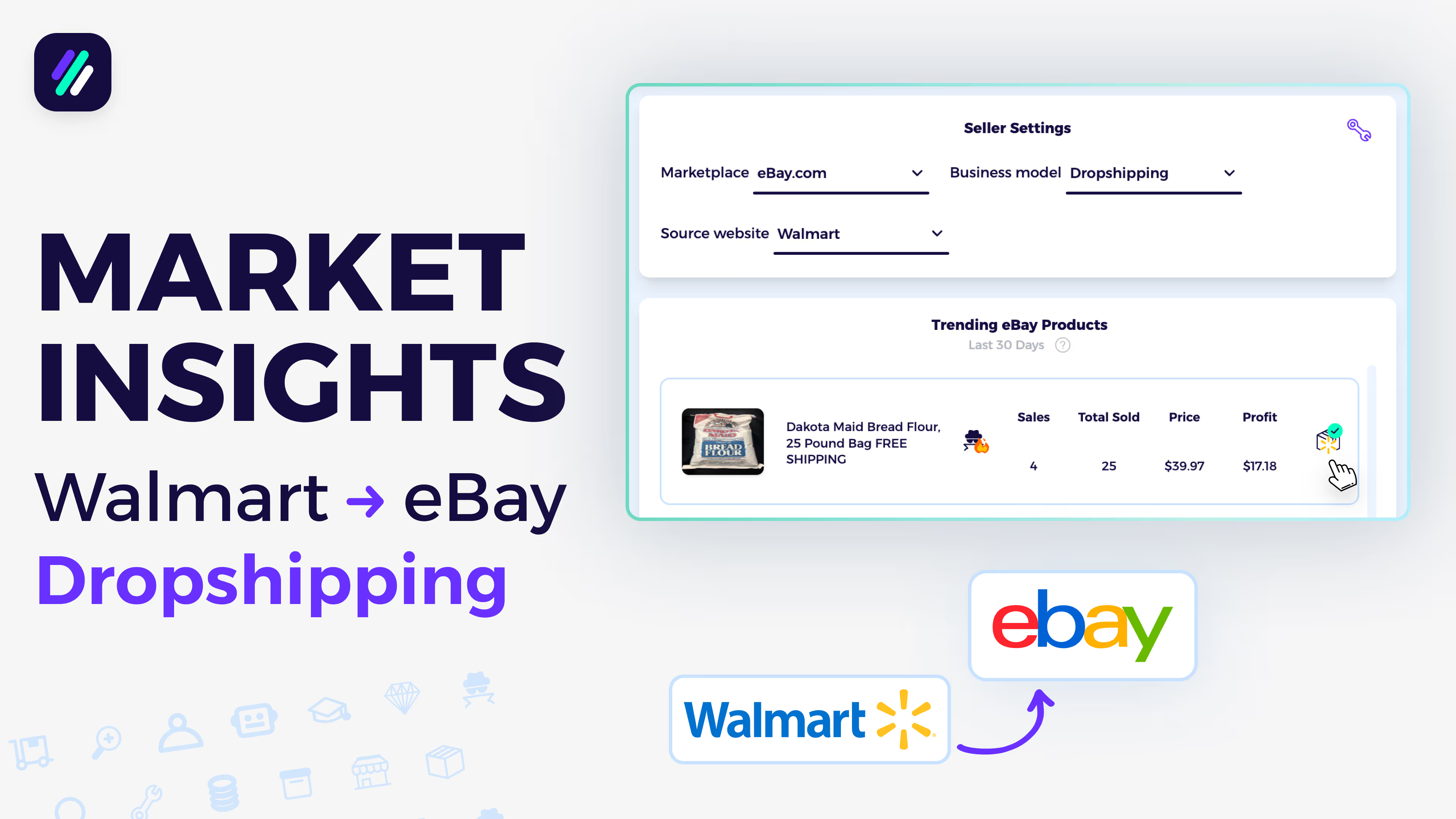
Market insight dashboard tutorial for Walmart to eBay Dropshipping
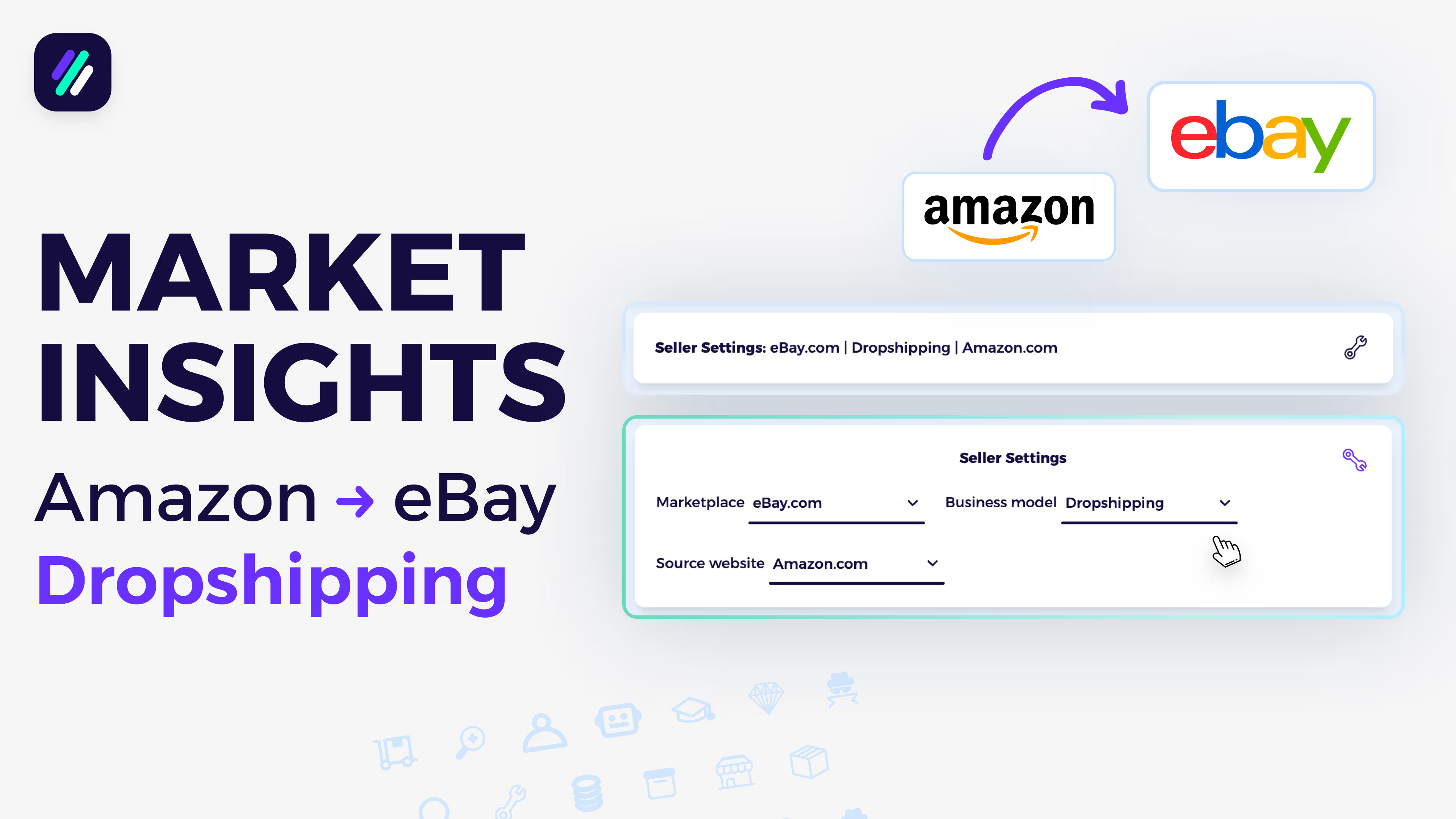
Market insights dashboard tutorial for Amazon to eBay Dropshipping