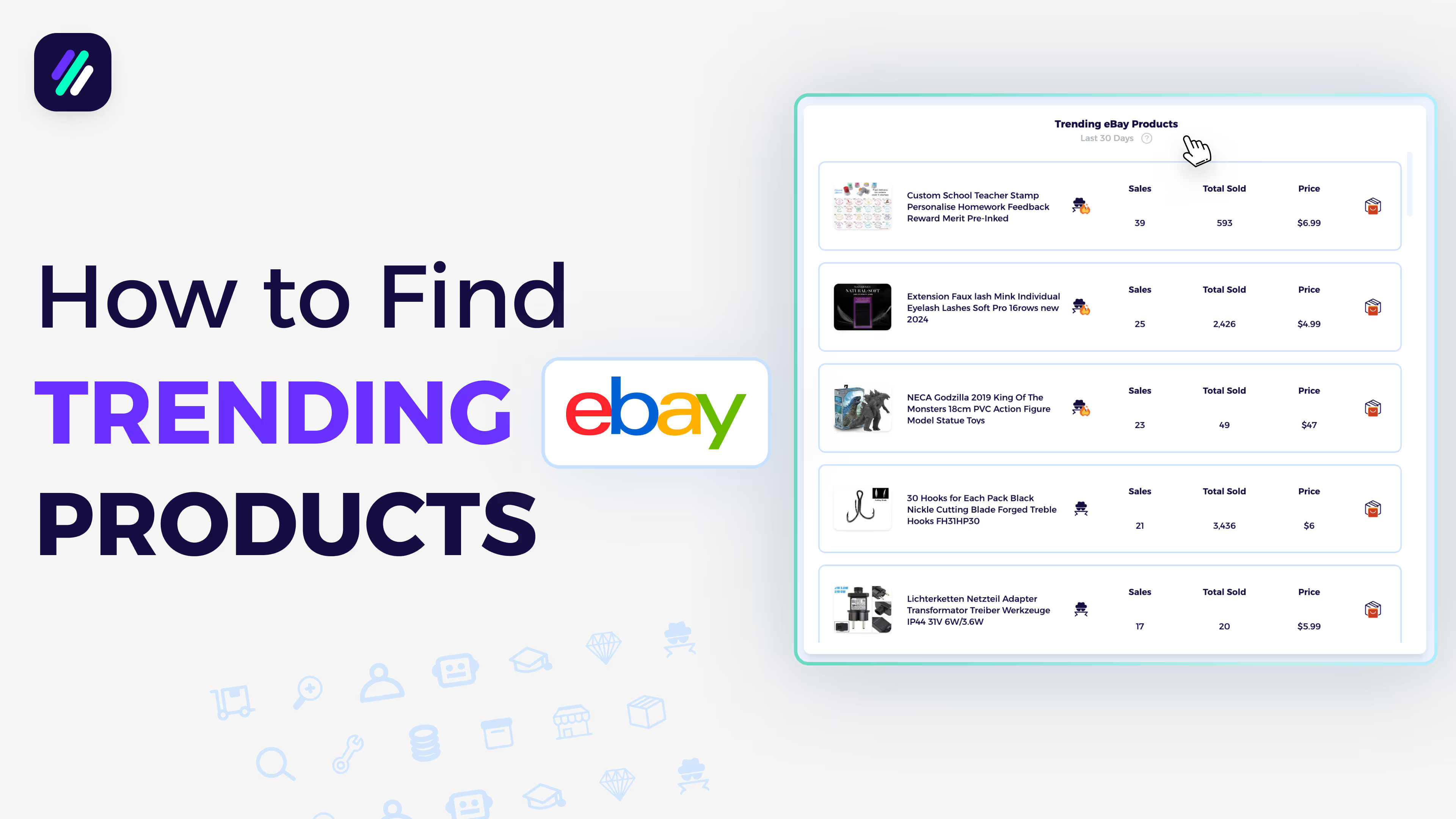
Market insight dashboard tutorial for Walmart to eBay Dropshipping
Market insight dashboard tutorial for Walmart to eBay Dropshipping
📚 What This Toturial Covers
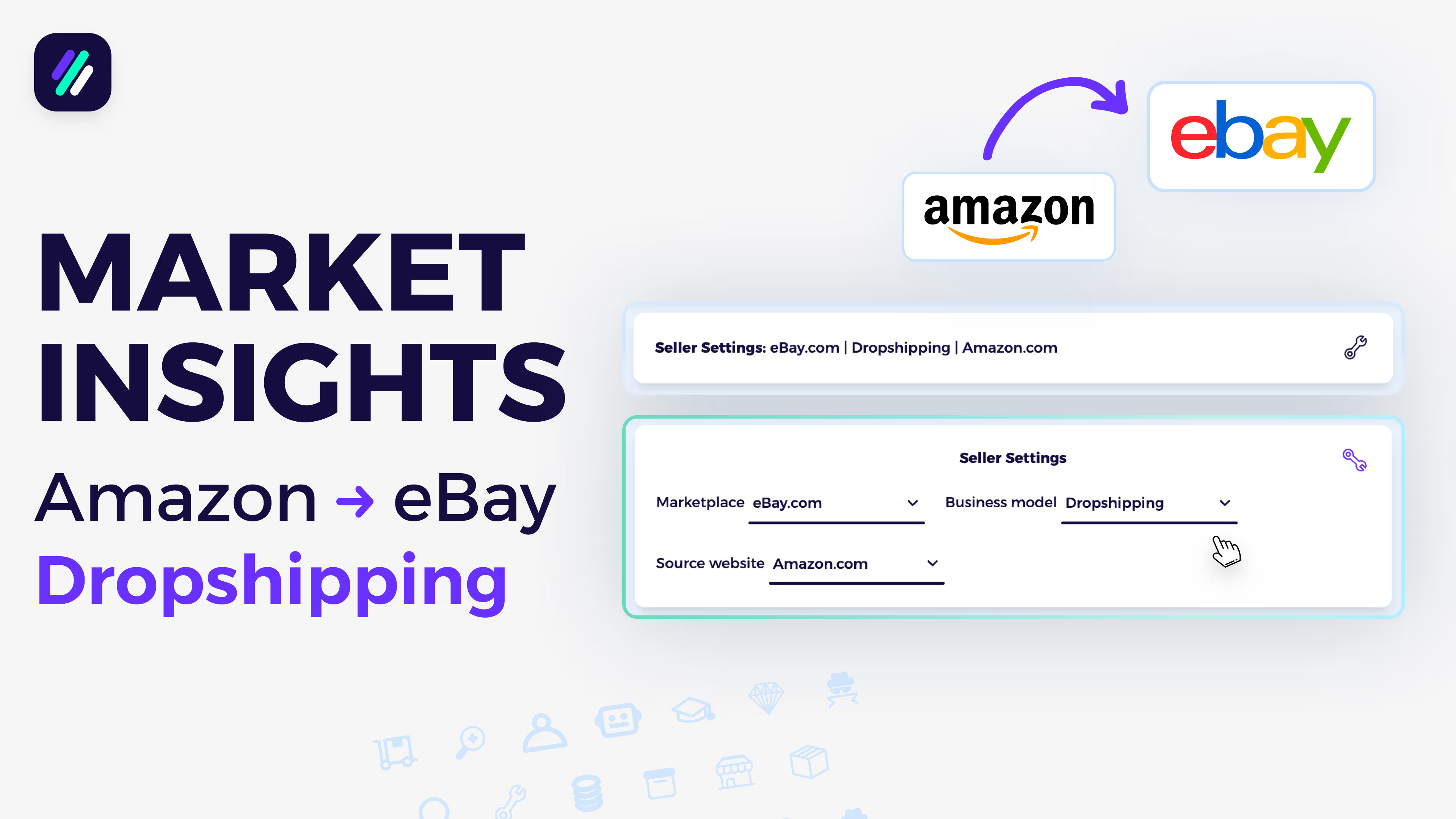
Set Up Seller Settings Correctly
Goal: Make sure your seller profile is configured for Walmart-to-eBay dropshipping.
Choose your selling marketplace as eBay.com, your business model as Dropshipping, and your supplier as Walmart.
✅ Tip: Proper seller settings ensure that all the data, trends, and product recommendations match your business model.
Explore Trending Products
Goal: Find top-performing Walmart products selling on eBay in the last 30 days.
Under Trending Products, you’ll see:
- Product photo and title
- Competitor information
- 30-day and lifetime sales
- Price and profit margin
Click the Item Finder icon to let ZIK Analytics locate the same or similar item on Walmart automatically.
✅ Pro Tip: Save profitable items to a dedicated folder (e.g., Walmart Items) for easier tracking and uploading later.
Save and Upload Products
Goal: Quickly list profitable products to your store.
After saving an item:
- You can export CSV files for manual uploads,
- Or use ZIK’s integrations to automate listing,
- Or upload directly to one of the monitoring tools integrated with ZIK.
✅ Insight: Automating your uploads ensures listings stay synced with inventory and pricing updates.
Analyze Top Dropshippers
Goal: Learn from the most successful Walmart-to-eBay dropshippers.
Go to Trending Dropshippers to view top-performing sellers using Walmart as their supplier.
Click Scan Seller to analyze performance, see their top products, and start sourcing similar items using the Item Finder.
✅ Tip: Reverse-engineer successful stores — study their bestsellers and replicate what’s working.
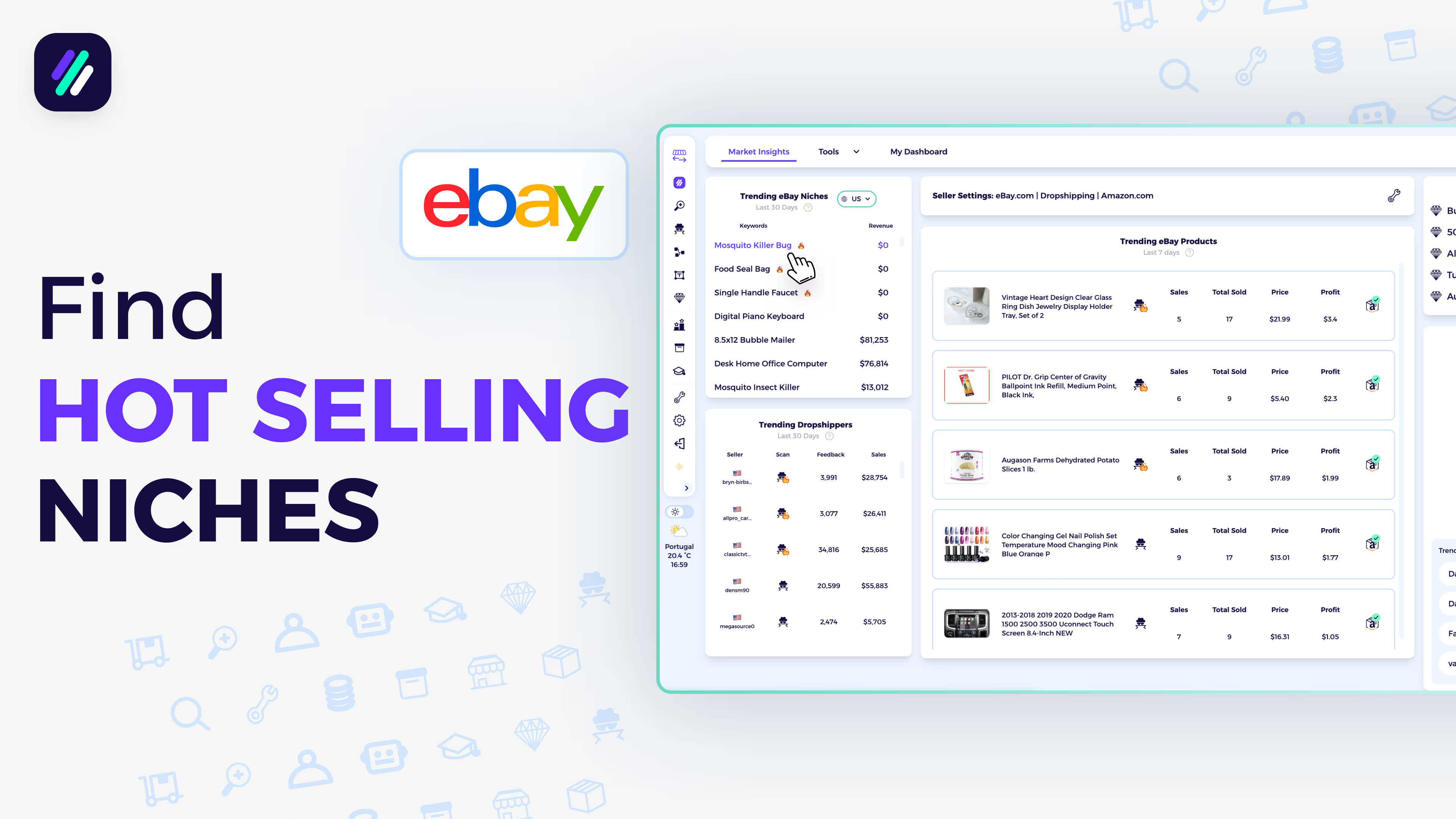
Discover Hot eBay Niches
Goal: Find Walmart-friendly niches that are currently trending on eBay.
In Trending eBay Niches, all categories shown are proven to perform well for dropshippers using Walmart as a source.
Click any niche to automatically analyze its performance — see sell-through rates, earnings, and growth trends.
✅ Pro Tip: Focus on these niches to align your listings with real market demand and reduce product testing time.
Plan Ahead with the eCommerce Calendar
Goal: Prepare for upcoming sales opportunities tied to holidays and events.
Use the eCommerce Calendar to track major shopping seasons and product demand spikes.
You’ll see:
- Upcoming holidays (e.g., Thanksgiving, Christmas)
- Remaining days until each event
- Trending keywords for those holidays
✅ Insight: Plan your listings at least a few weeks before big holidays to rank early and maximize visibility.
Suggested Videos
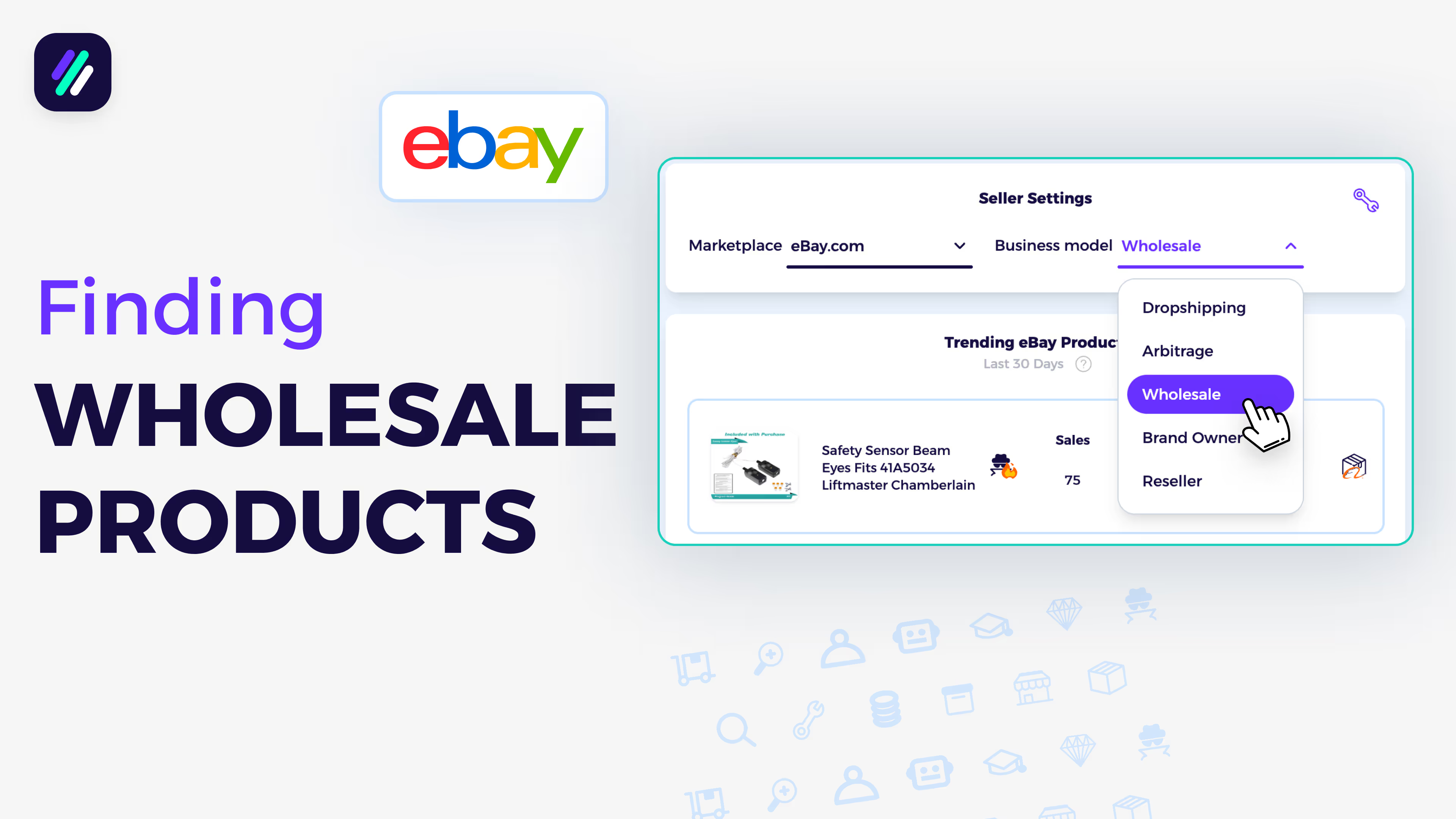
Find Winning Wholesale Products to Sell on eBay Based on Data
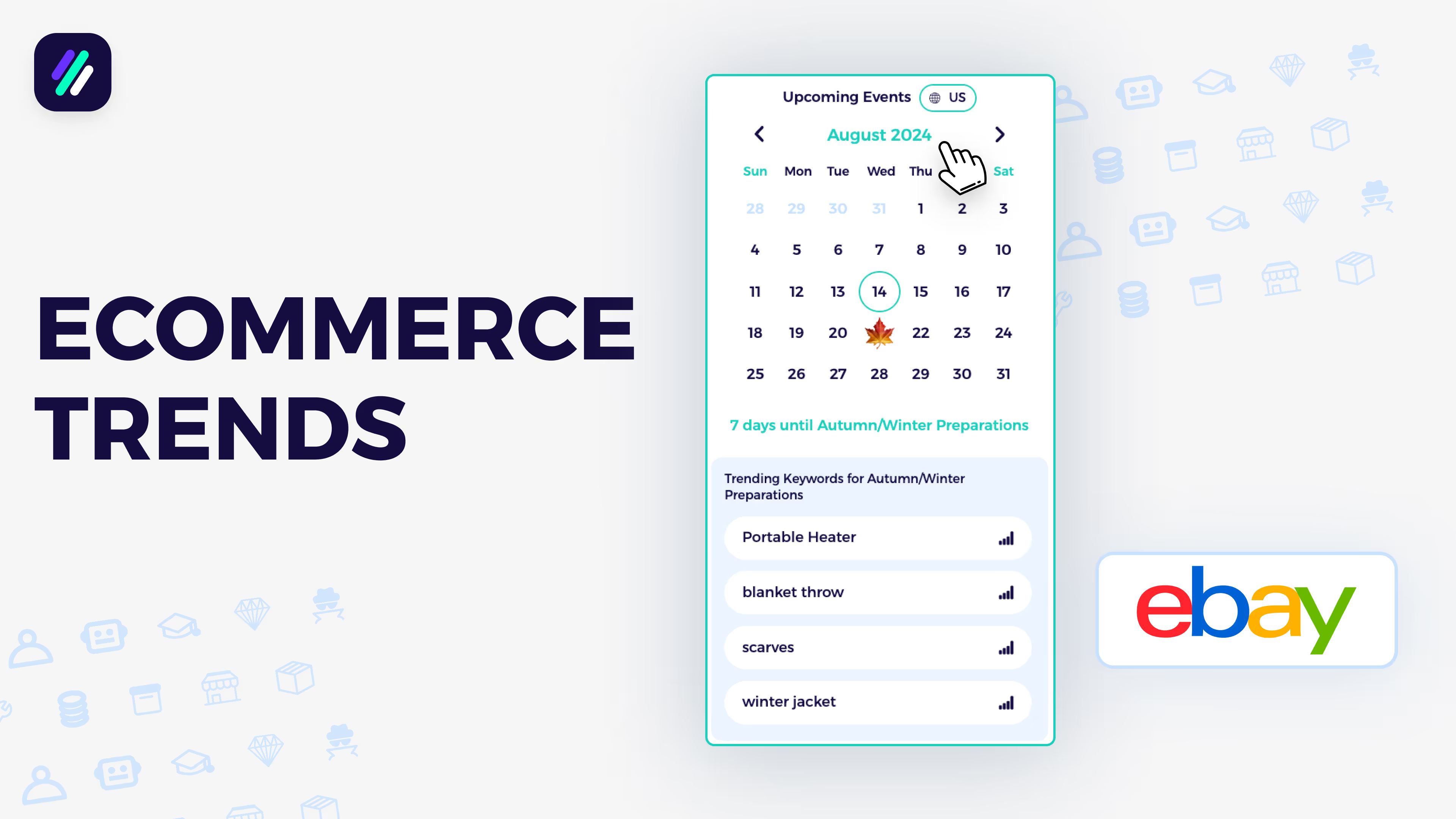
Stay on Top of eCommerce Trends with Market Insights Calendar
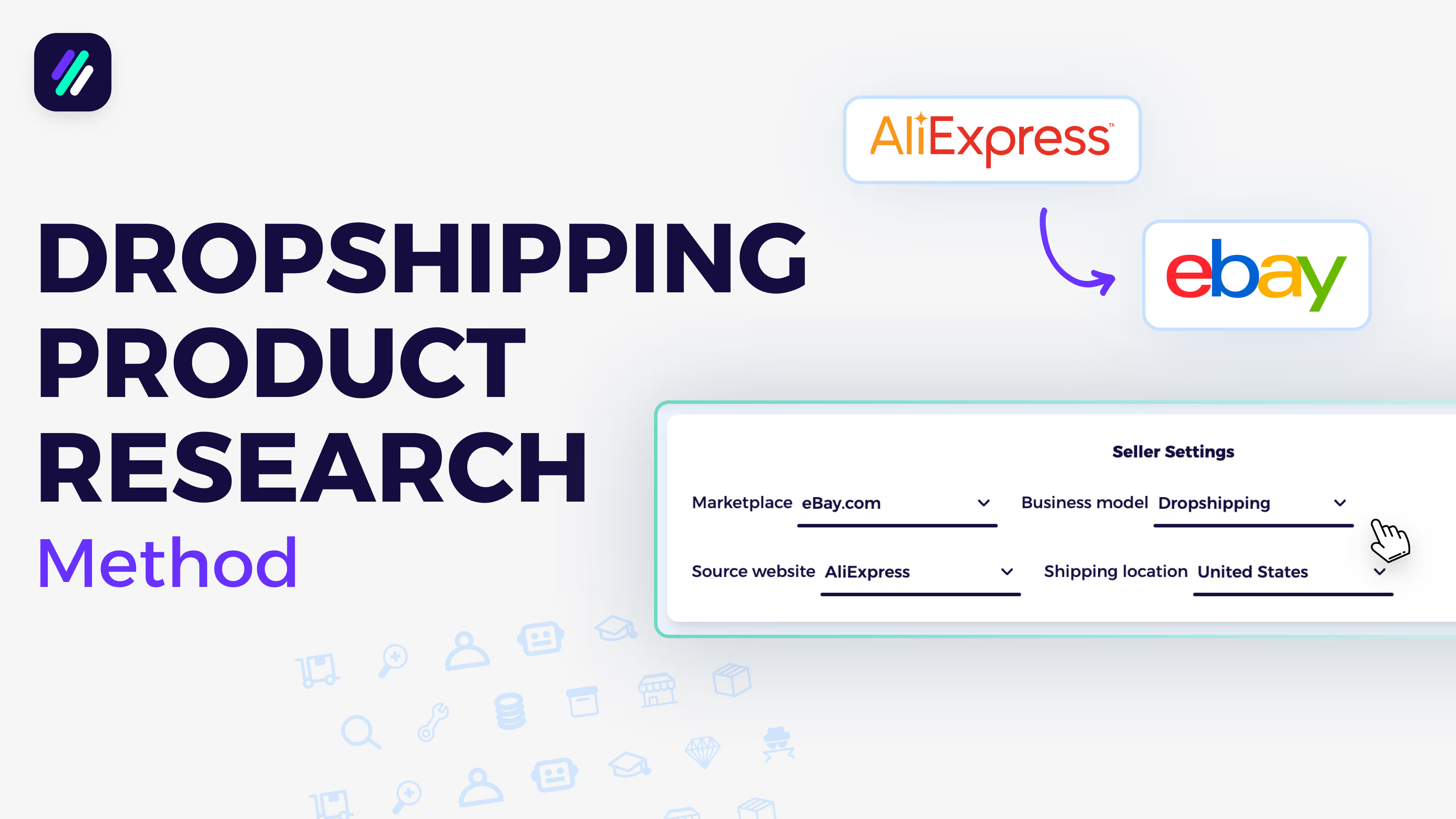
AliExpress to eBay Dropshipping | Easy Product Research Method

Find the top eBay Sellers in just 1 click | Fast Competitor Research
How to find HOT niches for your eBay Selling Business
Market insights dashboard tutorial for Amazon to eBay Dropshipping