Product Research - Price Analytics tutorial
Product Research - Price Analytics tutorial
📚 What This Tutorial Covers
Price Analytics Tutorial
Goal: Learn how to use ZIK’s Price Analytics Tool to identify the most profitable price ranges for your products based on real eBay sales data.
This tutorial shows how to analyze price ranges, understand sell-through performance, and choose the best pricing strategy to maximize your chances of success in any niche.
✅ Insight: Smart pricing decisions are data-driven. Knowing where most sales occur helps you price competitively and increase your listing’s chances of selling quickly.
1. Access the Price Analytics Tab
Goal: View live sales data and identify which price ranges generate the most sales.
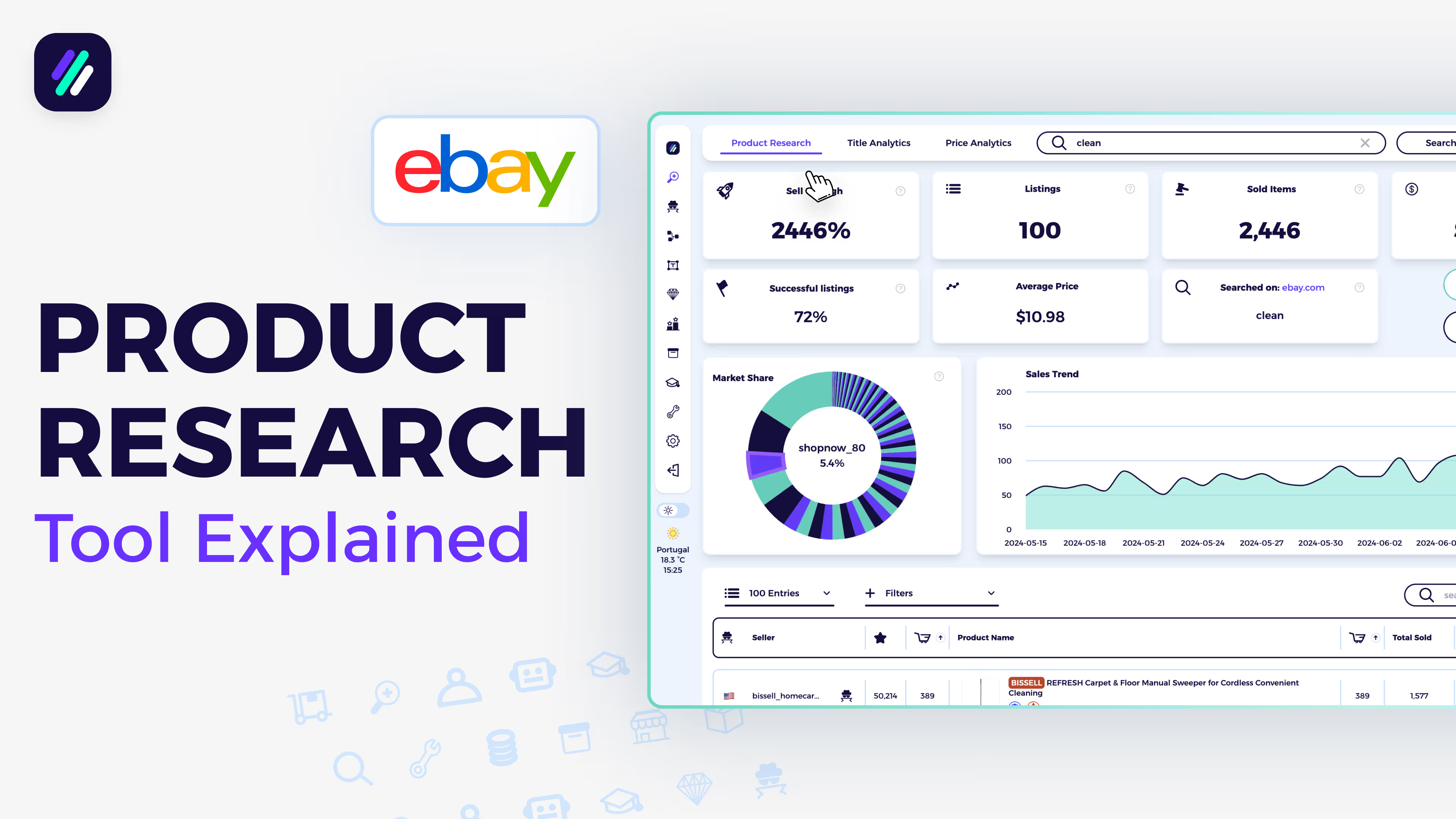
In the Product Research Tool, click on the Price Analytics tab at the top of the page.
You’ll be taken to a dashboard showing which price ranges are performing best for your chosen product keyword.
Here, you’ll see:
- Total number of sales per price range
- Sales distribution across all price brackets
- Visual graphs showing where buyers are spending most
✅ Tip: This overview helps you instantly see where most successful listings are priced — and where sales begin to drop off.
2. Analyze the Price Range Data
Goal: Find the most profitable selling price range for your product.
At the top of the page, you’ll find the Price Range Analytics section. This shows how many sales occur in each price bracket.
For example:
- The highest number of sales (128 sales) were made between $0.01–$18.43.
- The second-highest (109 sales) occurred between $18.44–$36.85.
This tells us that if you’re selling in this niche, the sweet spot is between $0.01–$55.00. Beyond that, total sales drop significantly.
✅ Pro Tip: Use this data to determine your target price range. Staying within the most active range improves your chance of ranking and selling faster.
3. Review Sell-Through and Revenue Analytics
Goal: Understand which price ranges generate the highest sell-through rates and total revenue.
Scroll down to the Price Sell-Through Analytics section.
This table uses the same price ranges but focuses on:
- Sell-Through Rate: How likely your product is to sell in each price range
- Revenue (30 Days): How much total sales value was generated recently
In this example, the highest sell-through rates appear in the $18.44–$36.85 range — meaning listings in this bracket sell most consistently.
✅ Example: If you’re selling a “dog gate,” you’d likely want to price it within this range to stay competitive and maximize your sales potential.