eBay Negative Feedback Removal Made Easy
eBay Negative Feedback Removal Made Easy
🎯 Watch This If You Want To:
• Learn how to remove negative feedback on eBay fast.
• Protect your store’s reputation and boost sales.
• Use eBay chat, phone, and Facebook methods effectively.
• Master professional communication templates for removal requests.
• Keep your seller rating healthy and high.
📚 What This Video Covers
• eBay’s feedback rules — what’s allowed and what violates policy.
✅ Tip: Feedback with insults, false claims, or extortion can be removed under eBay policy.
• How to contact eBay via chat: navigate to Help → Selling → Appeal a defect → Chat with agent.
✅ Pro Tip: Use the “Quick Win” message if a return case was closed in your favor but the buyer still left negative feedback.
• How to contact eBay via phone: prepare account details (email, ID, feedback info).
✅ Insight: Call support works best — focus on 1–3 feedbacks per call and stay polite and detailed.
• How to contact eBay for Business on Facebook Messenger.
✅ Tip: Use a VPN if the page is unavailable in your country — this team can often remove defects and feedback.
• How to send a Feedback Revision Request to the buyer (up to 5 per 1,000 feedbacks/year).
✅ Tip: Add a polite message and resolve the issue first — buyers often agree to change it.
• Final best practices: stay professional, cite eBay’s feedback policy, and never give up after one try.
Suggested Videos
eBay Buyer Says Their Item Was Not Delivered [INR Case Solved]
eBay Suspended My Account: Here's What I Did To Get It Back! (2025)
eBay International Shipping Program: What It Is and How To Use It?
How To Use eBay Seller Hub | Step-by-Step for Beginners
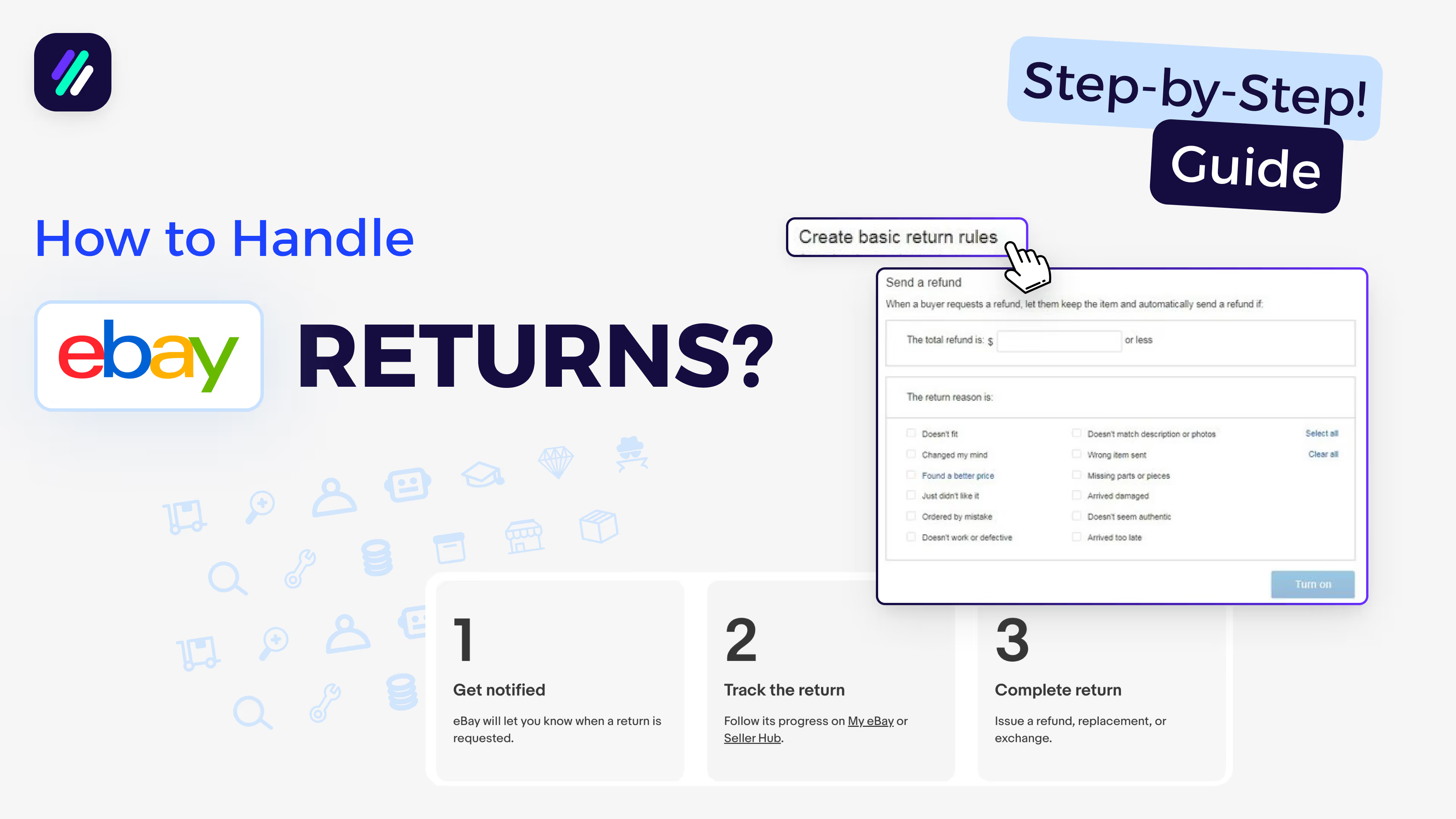
How To Handle eBay Returns | Step-by-Step Guide for eBay Dropshipping
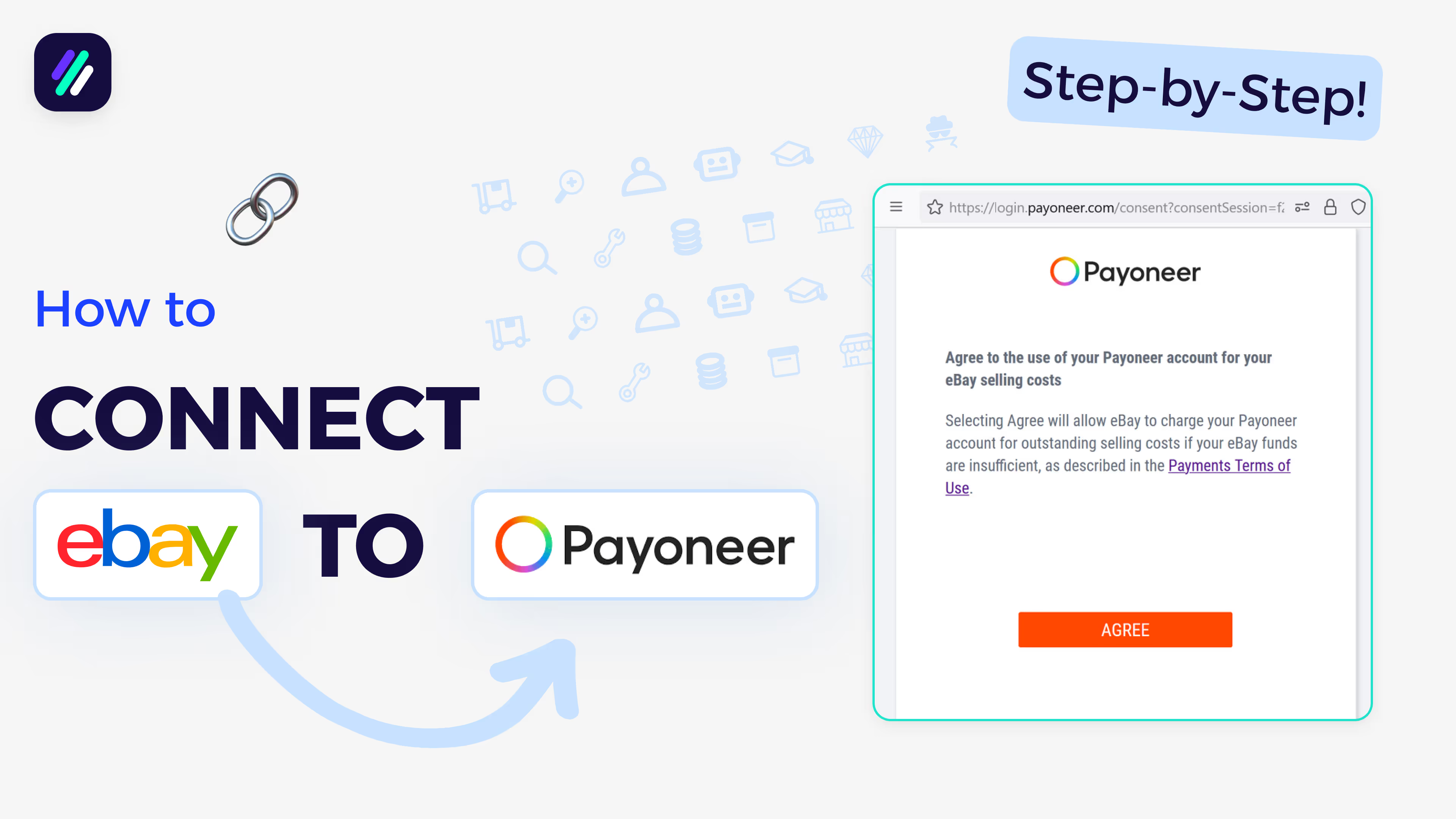
How To Connect eBay to Payoneer in 2025 (Complete Step-by-Step)
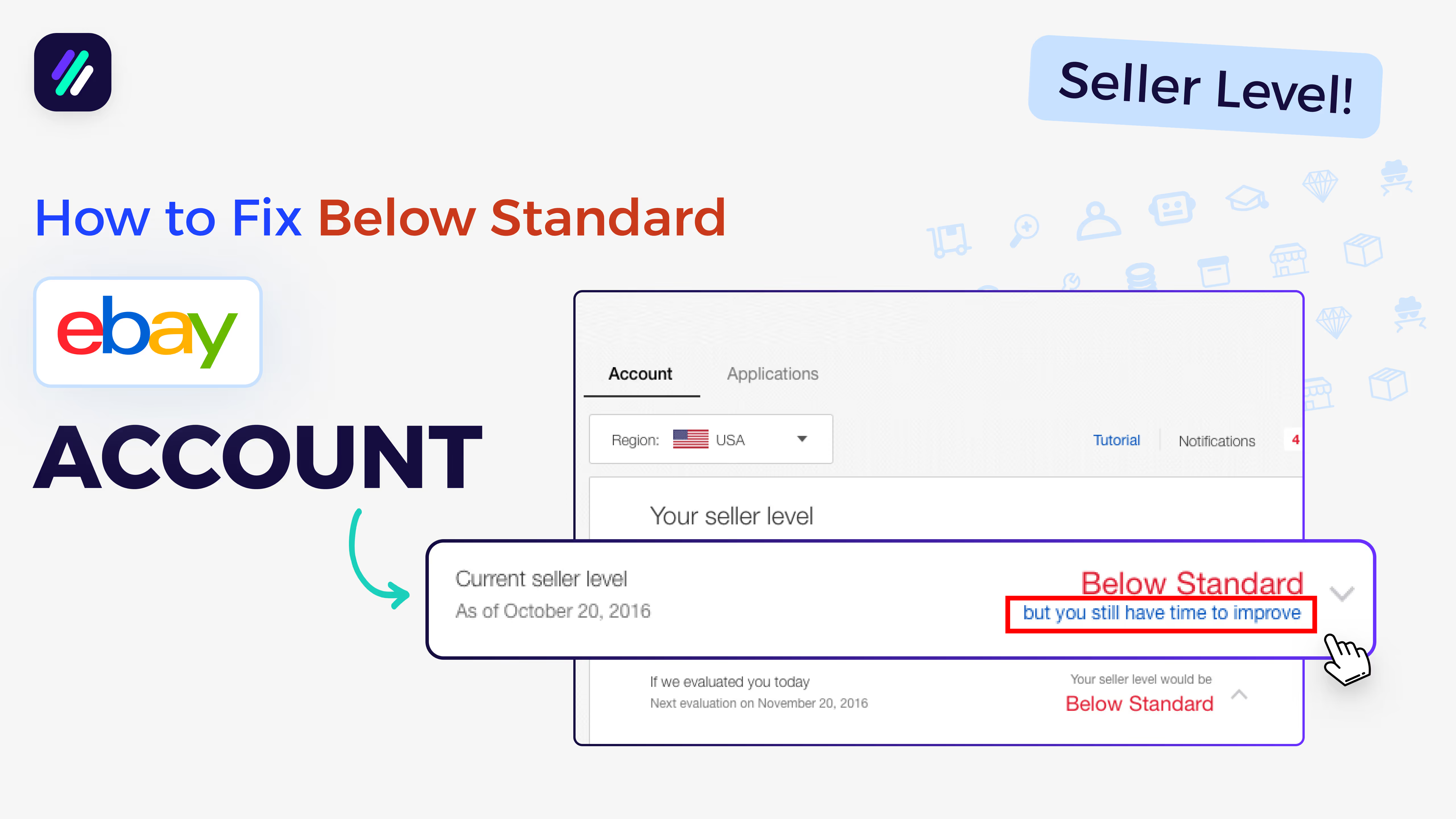
My eBay Account is Below Standard - Here’s How To Fix It
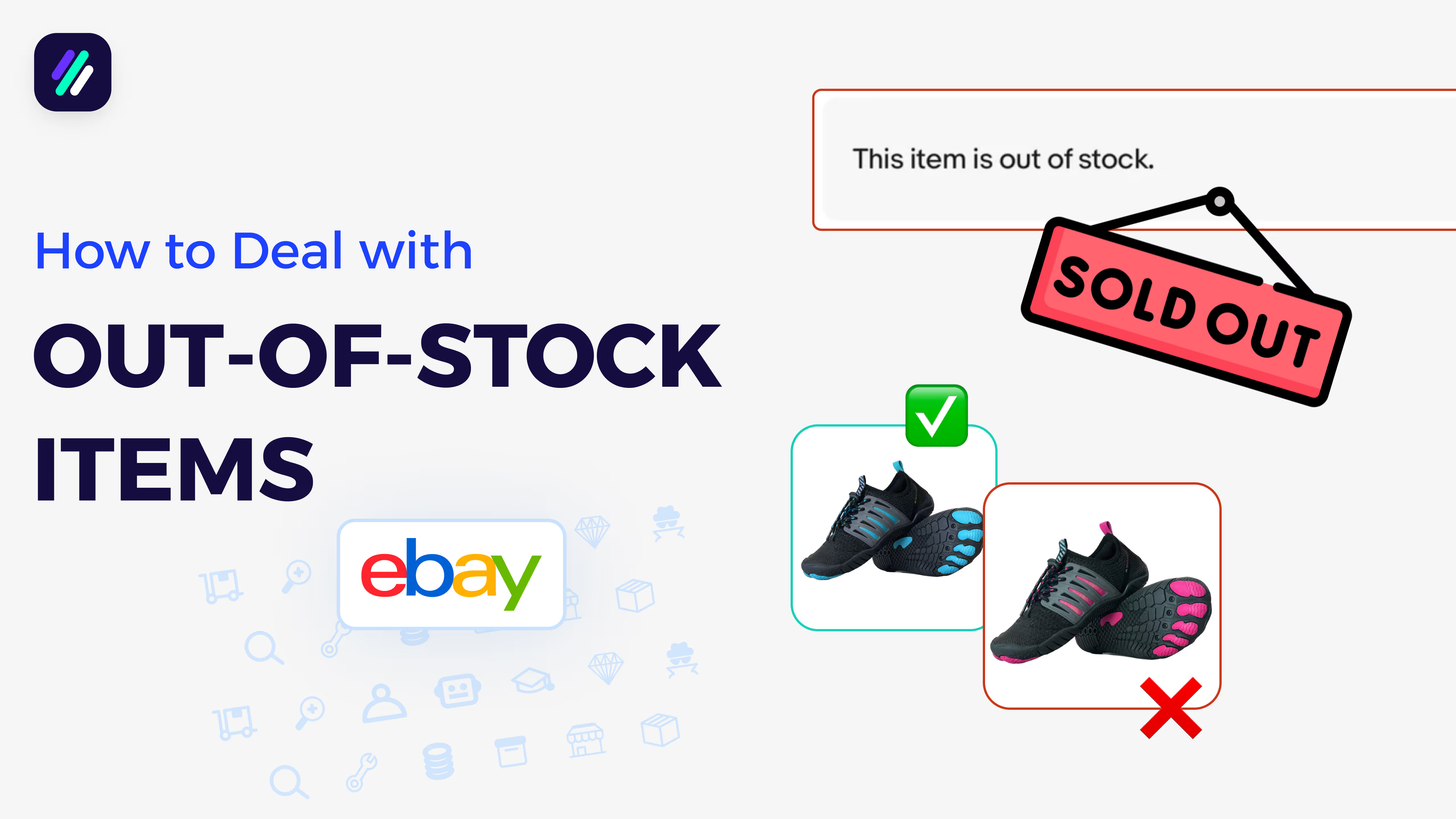
How to Handle Out-of-Stock Items in eBay Dropshipping | Avoid eBay Seller Defects!
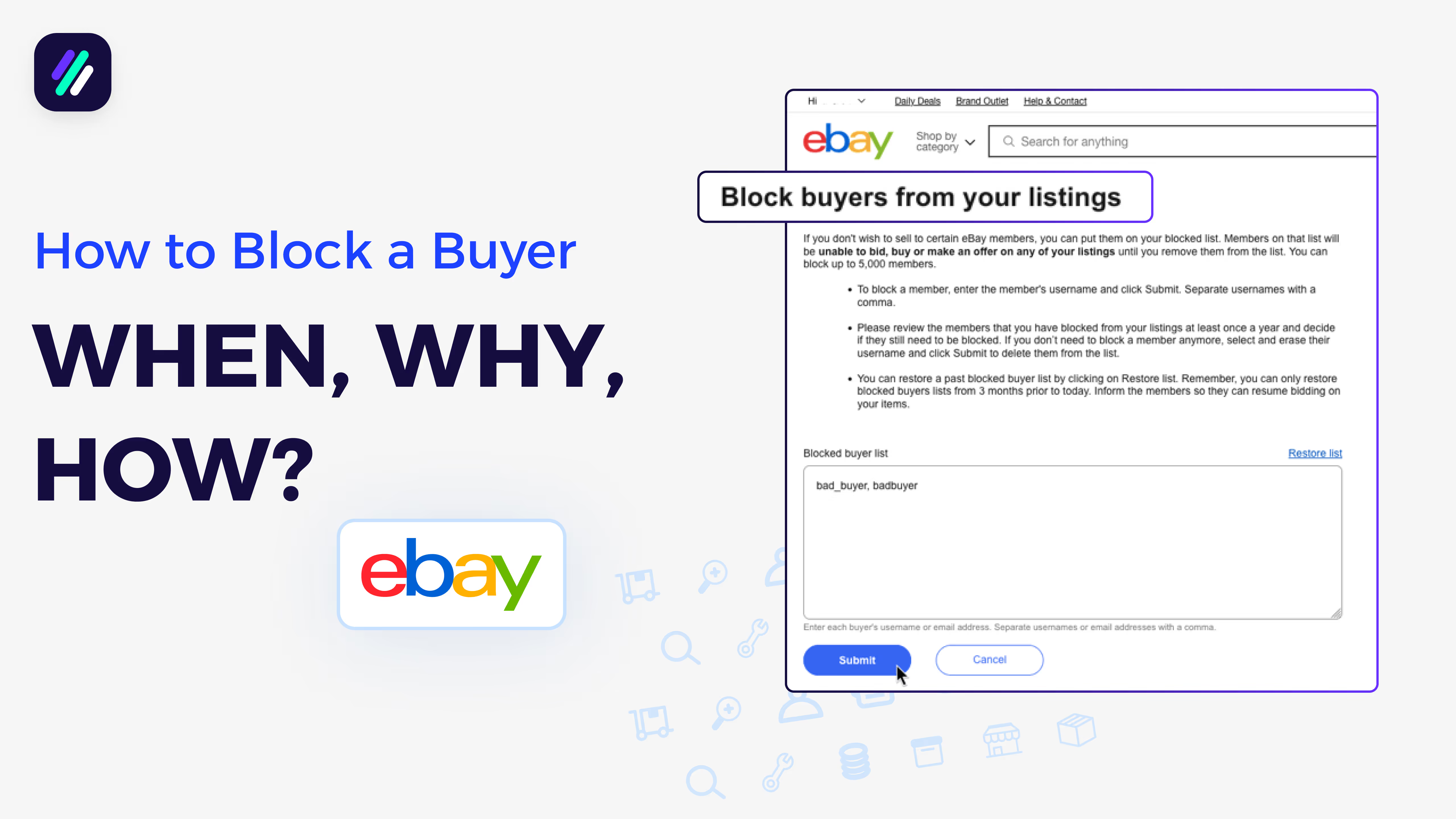
How To Block A Buyer On eBay | WHEN to do it, WHY to do it, and HOW
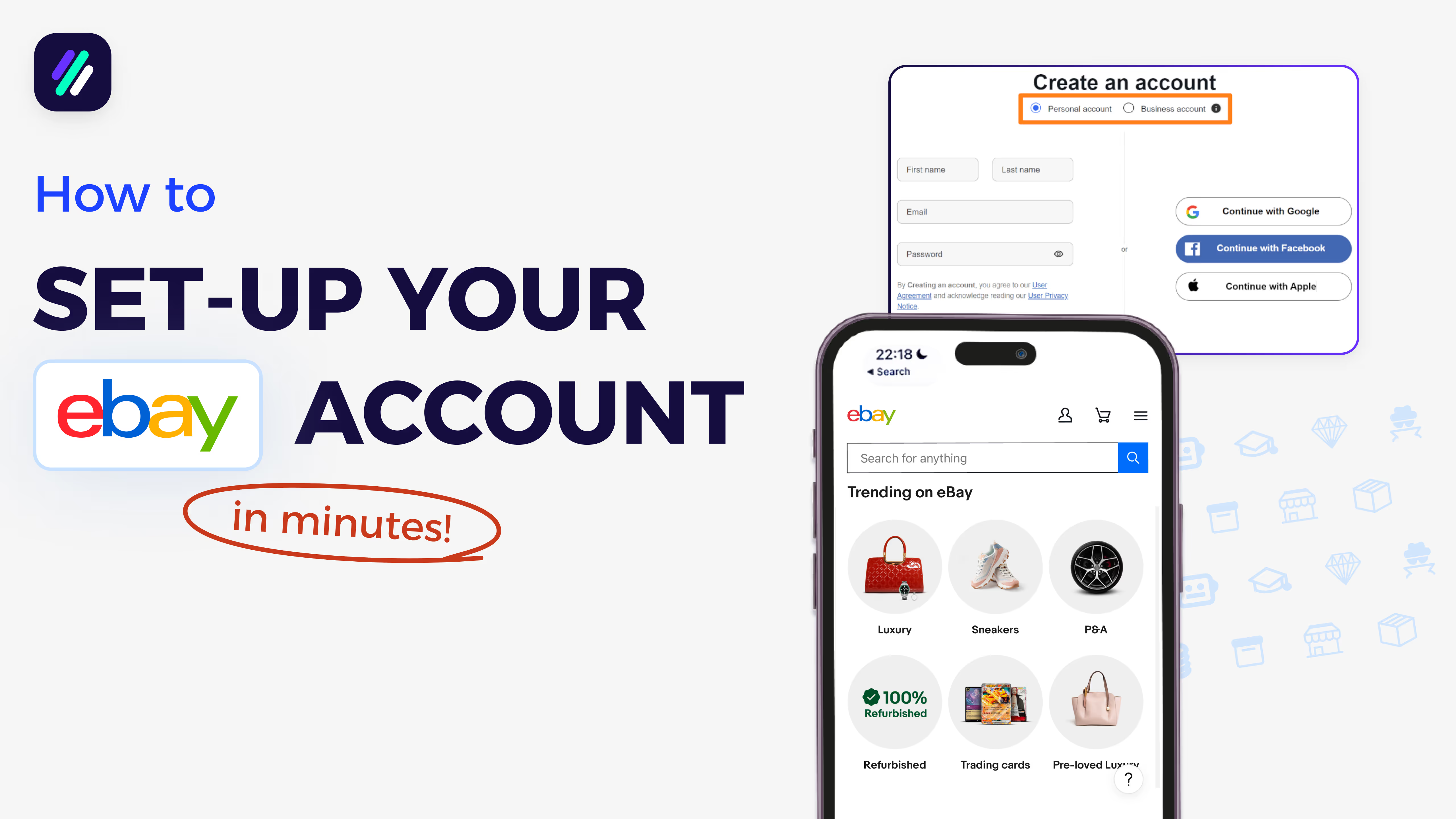
How To Setup Your eBay Seller Account In Minutes (Step-by-Step)