How to integrate AutoDS and ZIK
How to integrate AutoDS and ZIK
📚 What This Tutorial Covers
AutoDS Integration Tutorial
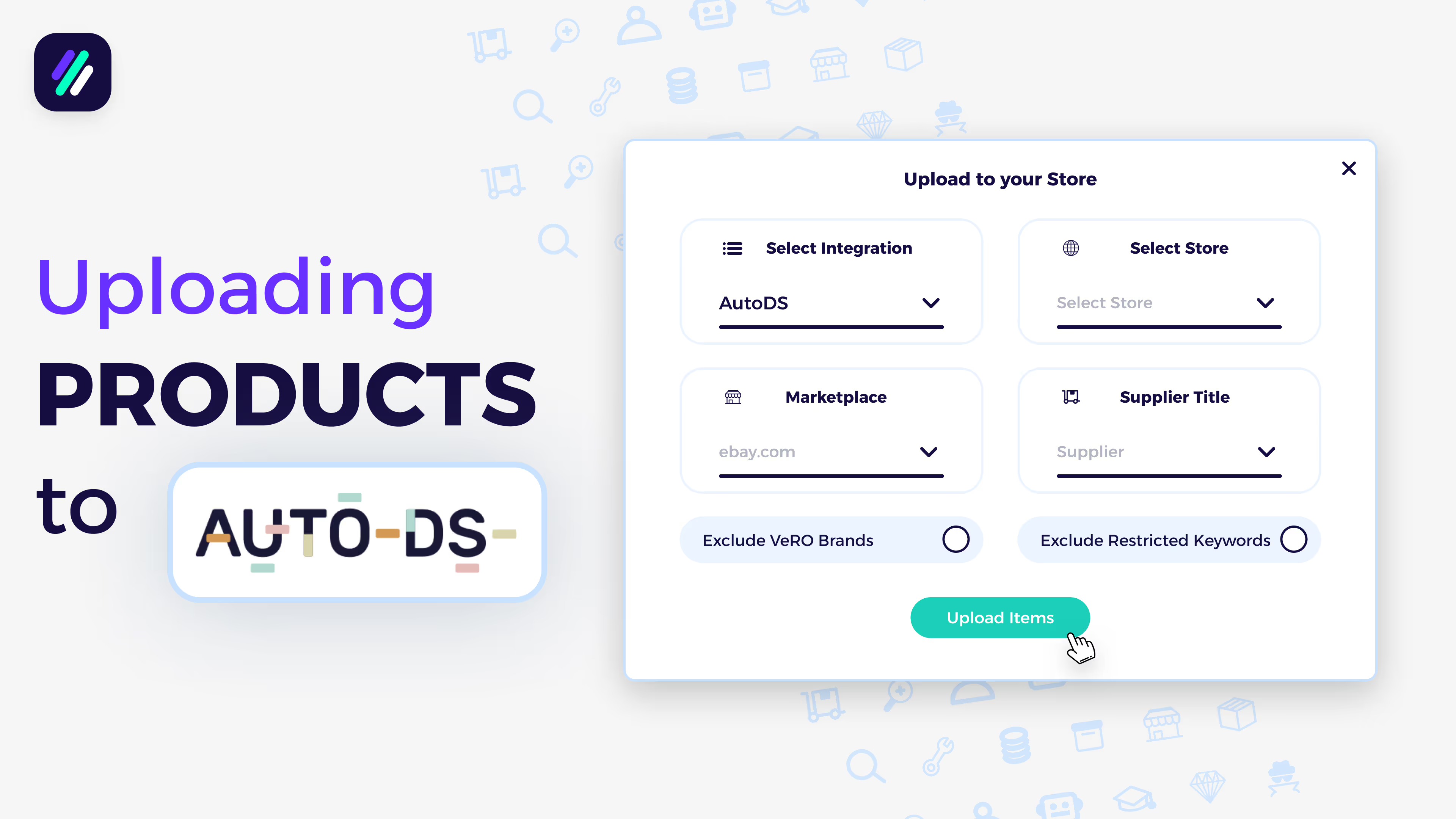
Goal: Learn how to connect your AutoDS automation software with ZIK Analytics so you can send products directly from your research tools into your AutoDS drafts, ready to publish to eBay.
✅ Insight: Integrating AutoDS with ZIK saves time and eliminates manual uploads — letting you move products from research to listing in just one click.
1. Integration via the Item Finder
Start by opening the Item Finder tool.
If your selected supplier is not Alibaba or CJ Dropshipping, you’ll see a button labeled Add to Store.
- Click Add to Store
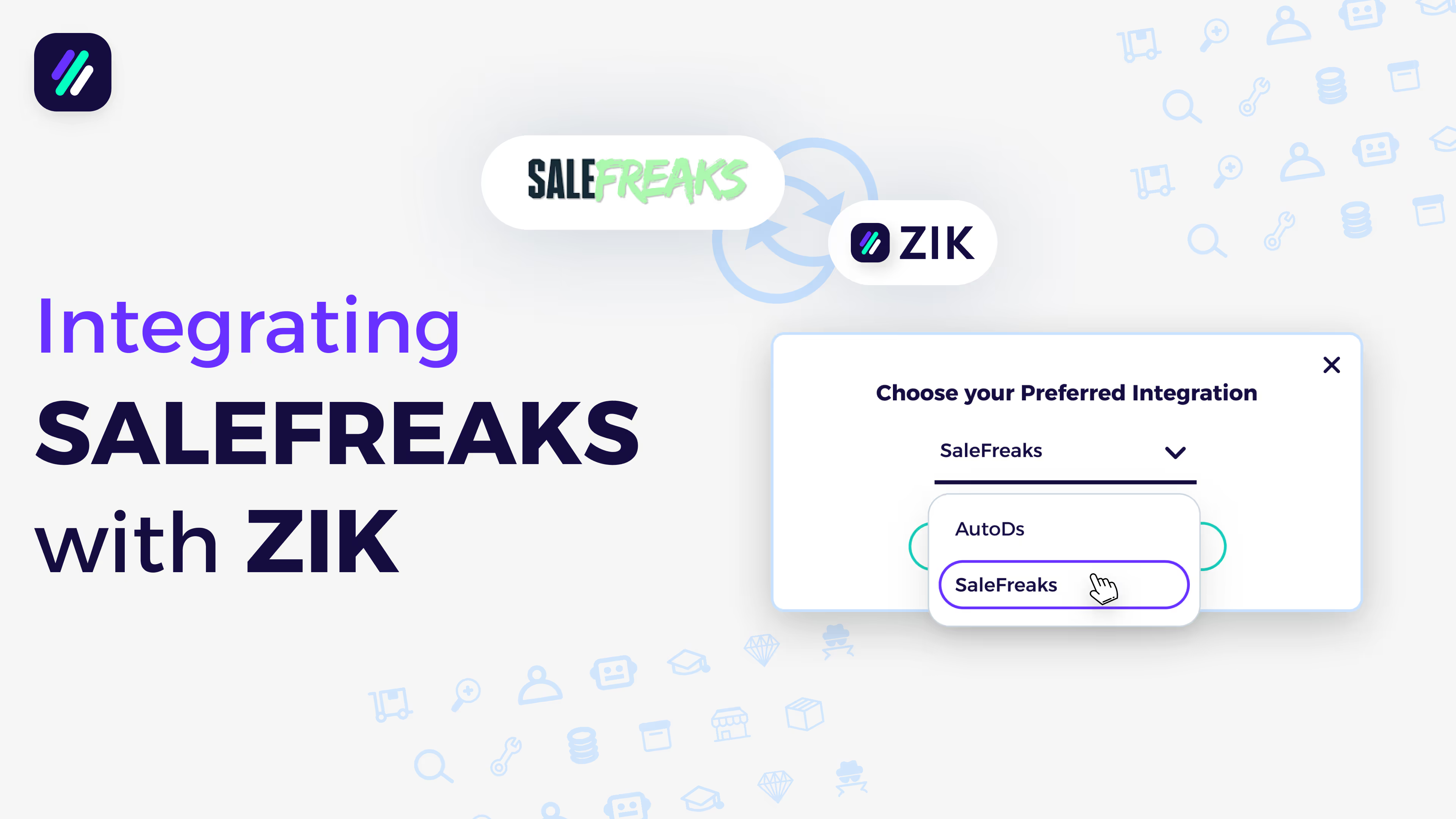
- Choose AutoDS from the automation options
- Click Next — you’ll be redirected to the AutoDS login page
- Log in with your AutoDS credentials and approve the connection
✅ Result: Your AutoDS account is now connected. You can add products directly from the Item Finder or from any saved folders inside ZIK Analytics to your AutoDS drafts.
2. Integration via Advanced Settings
You can also connect AutoDS through your settings:
- Go to Management Panel → Advanced Settings → Integrations
- Click Connect to AutoDS
- Log in and authorize the connection
Once done, AutoDS will appear under Active Integrations in your ZIK settings.