How to integrate Salefreaks and ZIK
How to integrate Salefreaks and ZIK
📚 What This Tutorial Covers
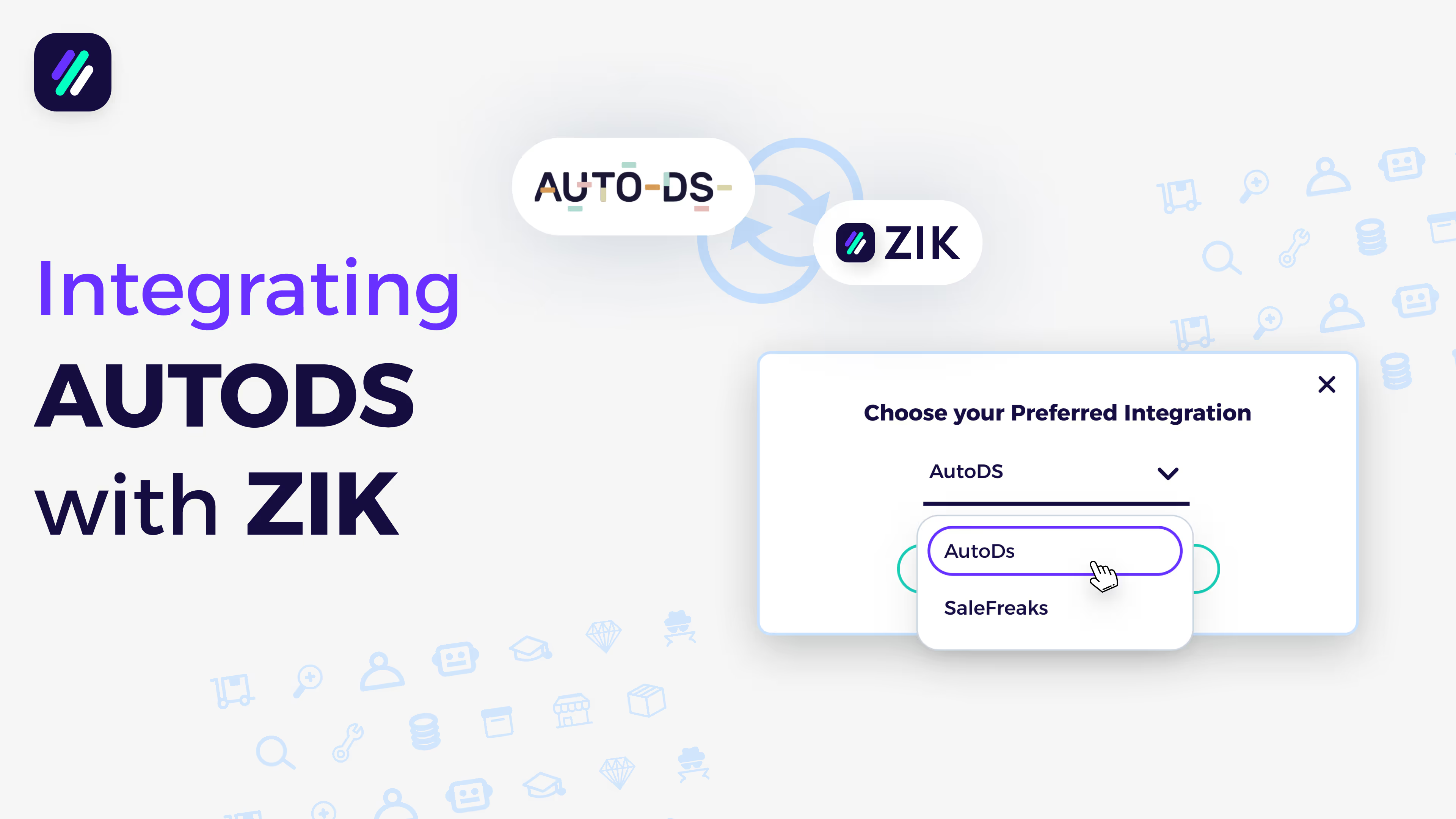
SaleFreaks Integration Tutorial
Goal: Learn how to connect your SaleFreaks account with ZIK Analytics so you can automatically send products from ZIK directly to your SaleFreaks store for easy listing and monitoring.
✅ Insight: Integrating SaleFreaks with ZIK streamlines your workflow — letting you research, source, and upload winning products faster without manual copying or setup.
1. Accessing the Integration Settings
Go to Advanced Settings → Integrations on the left sidebar.
Here, you’ll see a list of your current integrations (if any) — or an empty section if none are connected.
2. Selecting SaleFreaks
In the Type dropdown menu, select SaleFreaks.
You’ll then need to enter two details:
- Token
- Store Name
3. Getting Your API Token from SaleFreaks
- Log in to your SaleFreaks account.
- Go to Settings → Integration.
- Find your API Token.
- Copy the token.
4. Connecting SaleFreaks to ZIK
Return to ZIK Analytics.
- Paste your API Token into the token field.
- Enter your Store Name (any name you prefer).
- Click Connect SaleFreaks Store.
✅ Result: Your SaleFreaks account is now successfully linked to ZIK Analytics.