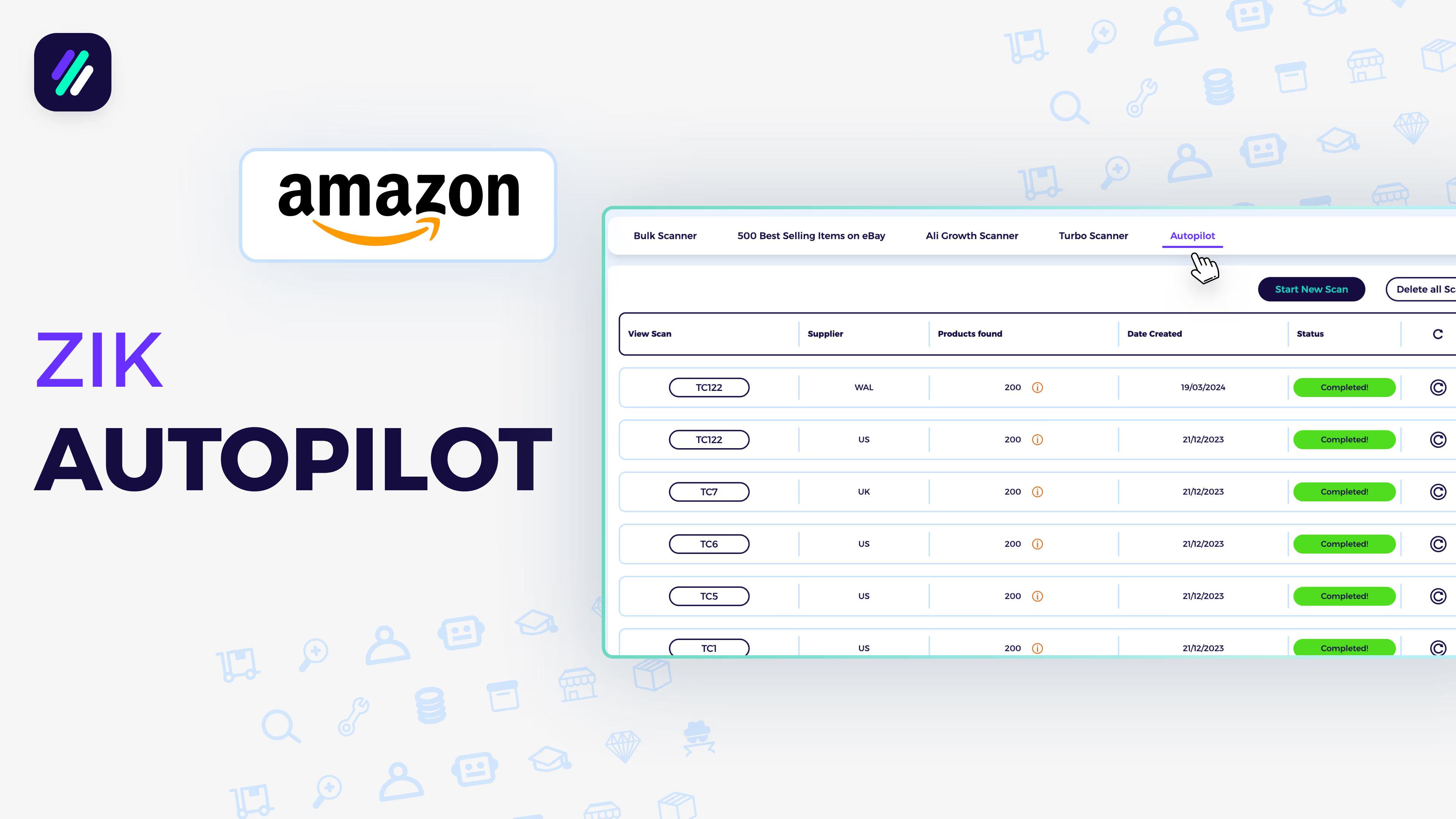
Turbo scanner tutorial - Amazon
Turbo scanner tutorial - Amazon
📚 What This Tutorial Covers
Turbo Scanner Tutorial (Amazon Sourcing)
Goal: Learn how to use ZIK Analytics’ TurboScanner Tool with Amazon as your supplier to quickly find thousands of profitable, high-demand eBay products.
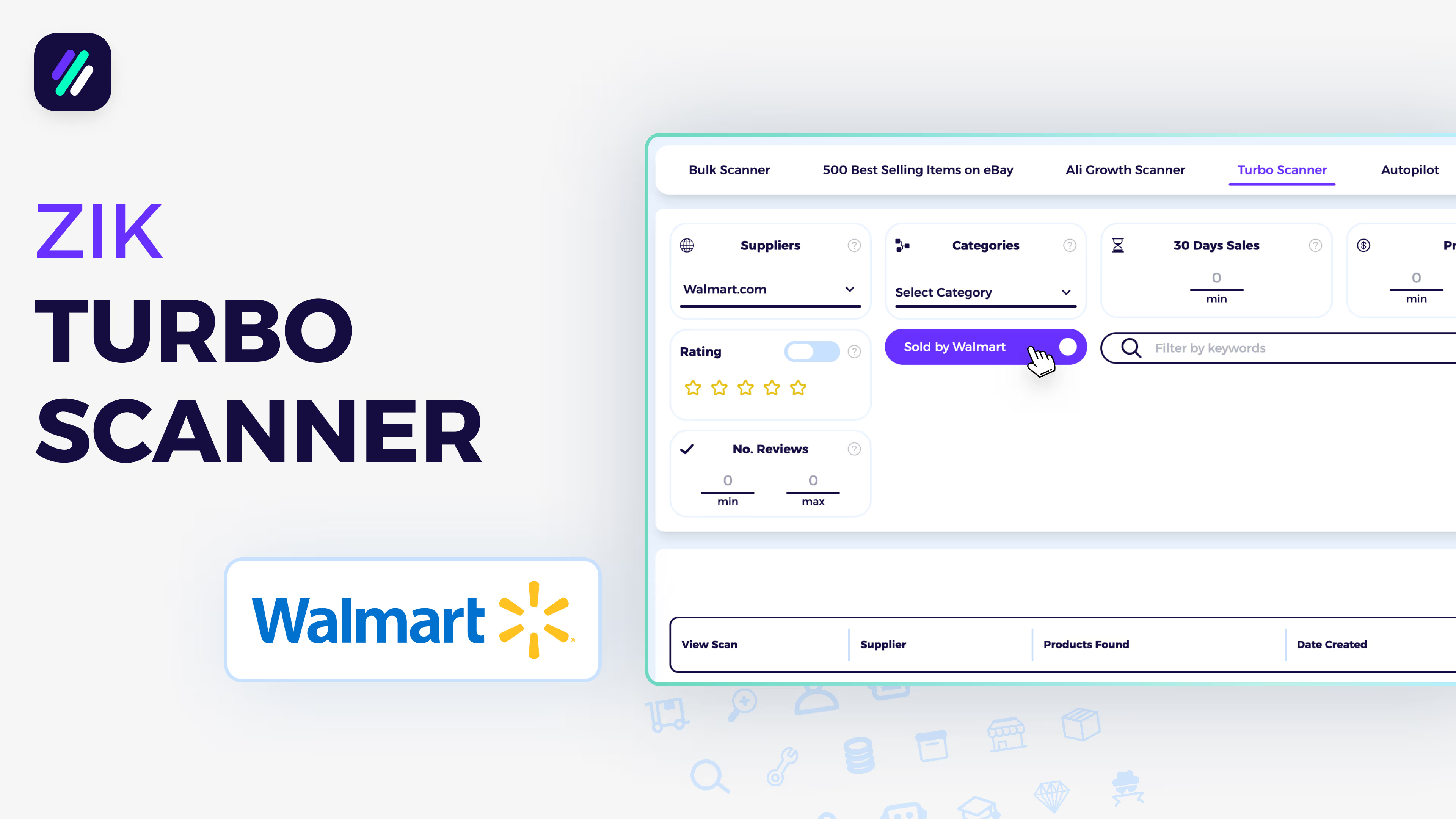
✅ Insight: TurboScanner uses a massive database of over 5 million Amazon and Walmart products, helping you locate top-performing items with just a few filters.
1. Accessing the TurboScanner
Go to Advanced Tools → TurboScanner on the left menu.
This tool acts as a product search engine, allowing you to find best-selling supplier items to list on eBay.
2. Setting Supplier and Categories
Choose your supplier — Amazon.com or Amazon UK — then select All Categories or focus on a specific niche (e.g., Toys for Christmas).
Uncheck risky or low-priority categories like:
- Books
- Amazon Devices
- CDs & DVDs
- Apple Products
- All Electronics
✅ Tip: Adjust categories based on your risk tolerance — sellers still profit successfully from electronics, but choose what fits your strategy.
3. Applying Amazon Filters
- Rating: Choose minimum stars (e.g., 3+ for safety).
- Higher stars = fewer but safer products.
- Turning off ratings helps find newer listings.
- Only Prime: Select to ensure fast shipping and reliable fulfillment.
- Review Count: Filter by review volume (e.g., 10+ reviews for proven sellers).
- BSR (Best Seller Rank): Lower = higher demand.
- Suggested range: 1–5,000 for best-selling products.
✅ Pro Tip: If you need more results, expand the BSR to 10,000 or leave review filters empty.
4. Setting eBay Filters
Control how results appear based on eBay data:
- Sales: e.g., Minimum 5 sales in the last 30 days
- Price Range: Minimum $20
- Products to Find: e.g., 100 results
- Keyword Filter: Optional — target niches like dog, Christmas, gift, etc.
Click Start New Scan to begin.
5. Viewing and Exporting Results
Once complete, click your scan to open it.
You’ll see:
- Product image and title
- Price
- 30-day sales
- Rating
- BSR
- Review count
- Category
Then choose to Upload to Lister or Export as CSV. You can also exclude Vero brands and restricted keywords before exporting.