Turbo scanner tutorial - Walmart
Turbo scanner tutorial - Walmart
📚 What This Tutorial Covers
Turbo Scanner Tutorial (Walmart Sourcing)
Goal: Learn how to use ZIK Analytics’ TurboScanner Tool with Walmart as your supplier to find and list profitable eBay products in seconds.
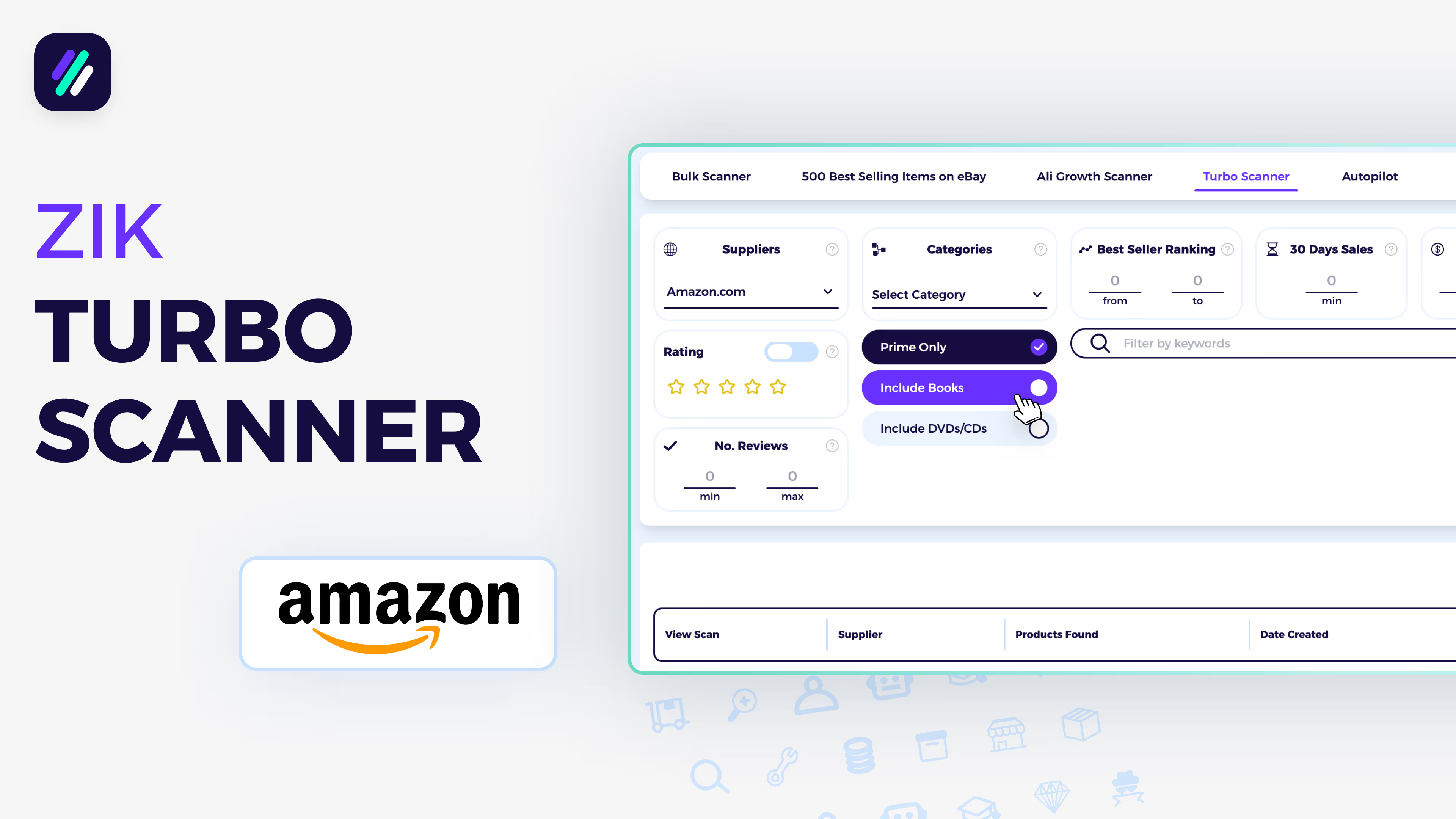
✅ Insight: TurboScanner pulls data from over 5 million Amazon and Walmart products, helping you instantly discover in-demand listings with strong sales potential.
1. Accessing the TurboScanner
Go to Advanced Tools → TurboScanner on the left menu.
Then choose Walmart as your supplier.
This tool helps you filter and analyze Walmart’s top-performing items for eBay dropshipping.
2. Setting Up Filters
- Sold by Walmart: Always enable this to focus on products shipped directly by Walmart — faster shipping, easier returns, and reliable customer support.
- Categories: You can select All Categories or uncheck Walmart for Business for broader results.
- Rating & Reviews: Walmart ratings are often low or missing, so it’s best to turn them off for larger results. If you want a smaller, high-quality list, set 3 stars or 1+ reviews.
Click Start New Scan to begin.
3. Viewing the Results
The scan completes within seconds. Click the scan name to open your results.
You’ll see:
- Product Image, Title, and ID
- Price, 30-Day Sales, Rating, Reviews, and Category
- Your selected filters displayed at the top
✅ Tip: Use these details to quickly evaluate demand and competition before listing.
4. Exporting or Uploading Products
You can:
- Upload All or Selected Items directly to your lister (e.g., AutoDS)
- Export All or Selected Items as CSV files
Both export methods allow you to exclude Vero brands and restricted keywords for safe uploading.