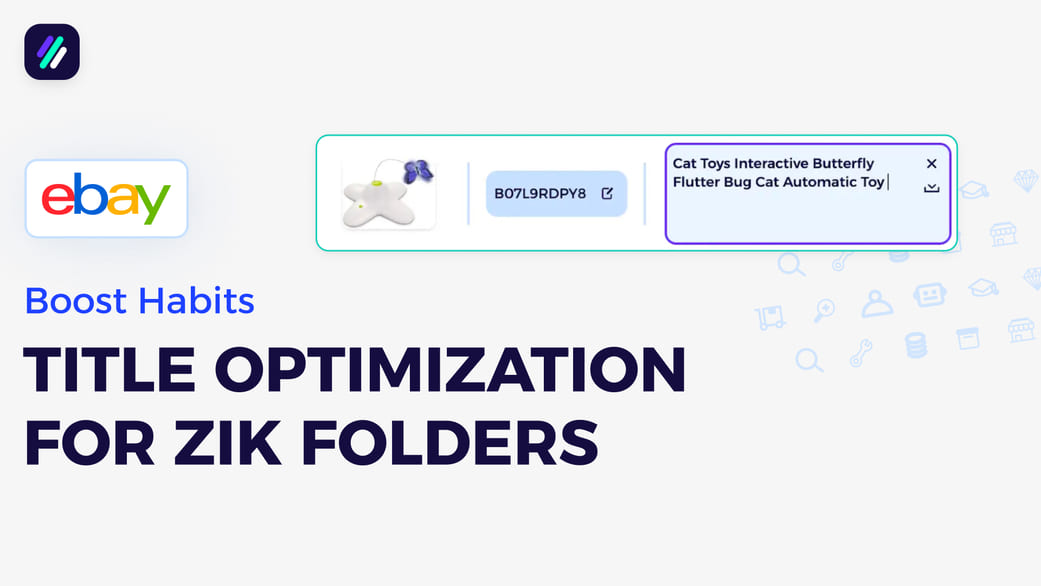
Quickly Save Products to ZIK Folders
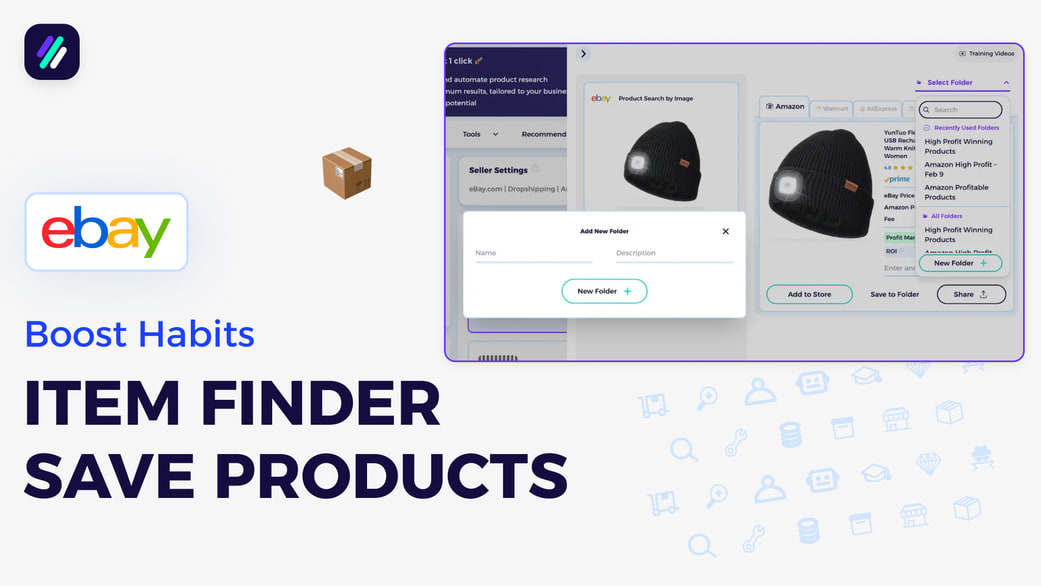
Quickly Save Products to ZIK Folders
📚 What This Video Covers
Build a Strong Product Research System
Goal: Learn how to save products into folders inside ZIK and build an organized workflow that makes uploading, exporting, and managing products simple and efficient.
✅ Insight: Organized folders are the foundation of a smooth product research and listing process.
Why Save Products Into Folders?
A clear and consistent saving system makes everything easier later.
With organized folders, you can:
• Upload products directly to integrated product monitors
• Export them as a CSV file for manual upload
• Send them to any monitor you prefer
Everything starts with setting up your folders the right way.
Step 1: Open the Item Finder
Go to the Item Finder tool.
As long as your supplier is not Alibaba or CJ Dropshipping, you’ll be able to create folders and save products directly.
Step 2: Create a New Folder
Click Select Folder, then New Folder.
Give your folder a clear name and add a description if needed.
Click Create Folder.
✅ Pro Tip: Include today’s date in the folder name (for example: Amazon High Profit – February 9).
This keeps your research organized and makes future extraction much easier.
Step 3: Save Products Into the Folder
Whenever you find a product worth adding to your eBay store, click Save to Folder inside the Item Finder.
This ensures every product is stored in the correct place for later use.
Step 4: Review Saved Products
At the end of your research session, go to My Products.
Choose the supplier you used (Amazon, Walmart, or AliExpress).
You’ll see your folder with all saved products ready for action.
Step 5: Upload or Extract Products
From this page, you can:
• Upload all or selected products to your product monitor
• Request a CSV file for manual upload
From there, your products can be listed directly on eBay.
Suggested Videos
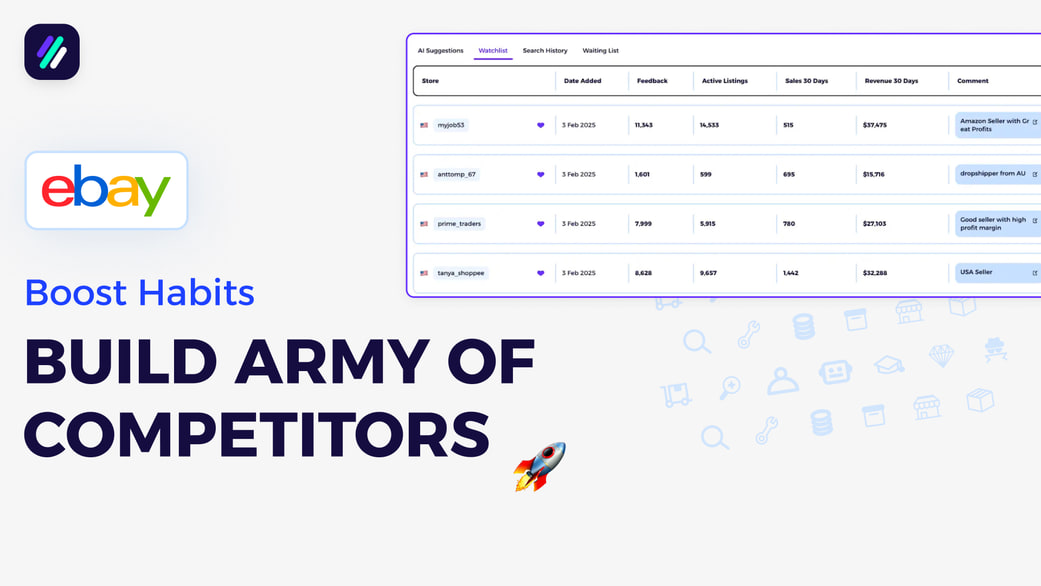
How to Build a Competitor Army That Finds Winning Products for You
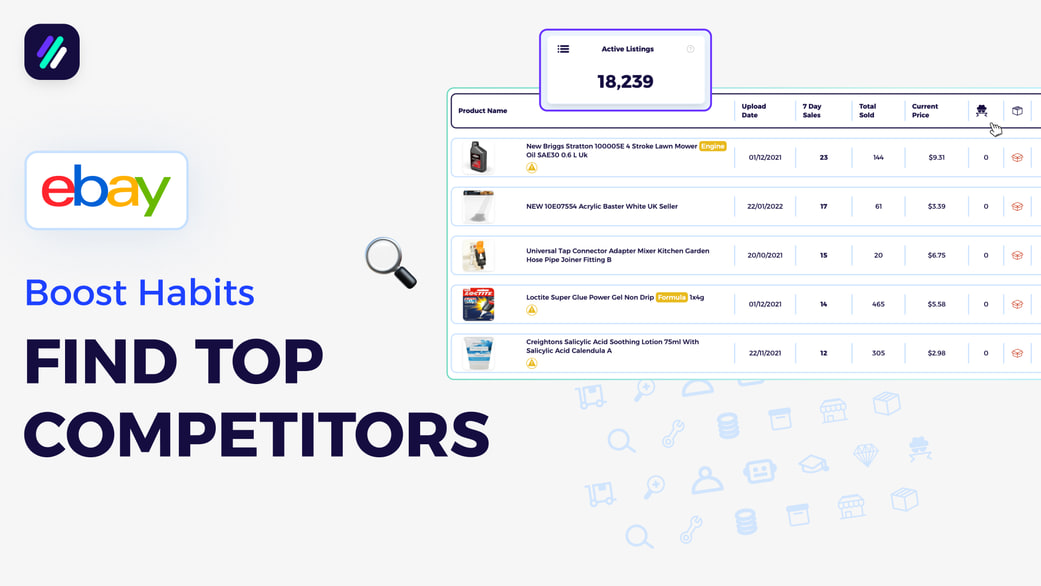
How to Find Strong Competitors That Match Your Selling Business Model

How to Build a Weekly Niche Research Habit That Finds Hidden Gem Niches
Quickly Save Products to ZIK Folders
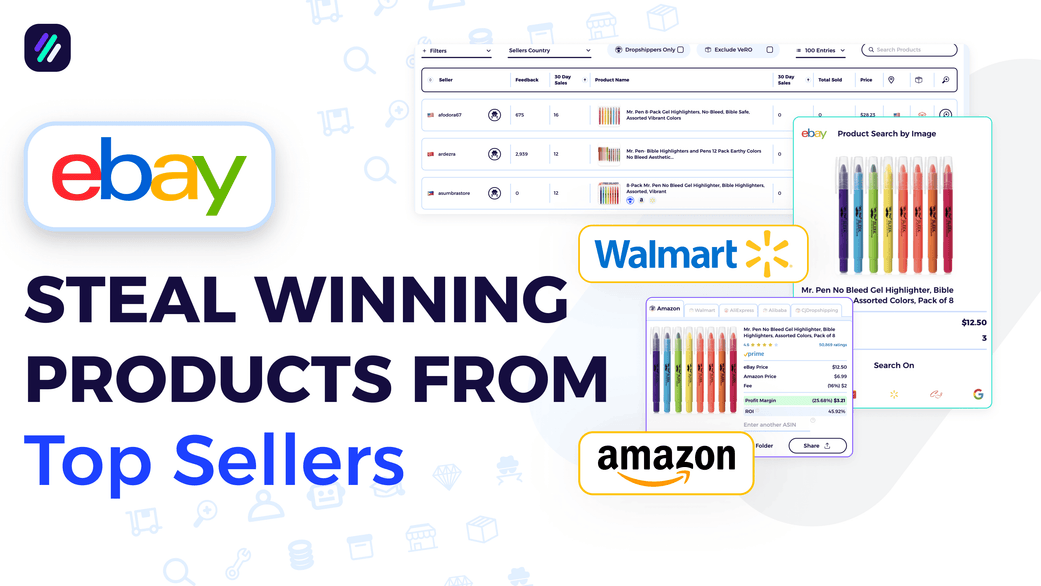
Scan All Your Competitors Items at Once Using the Bulk Scanner
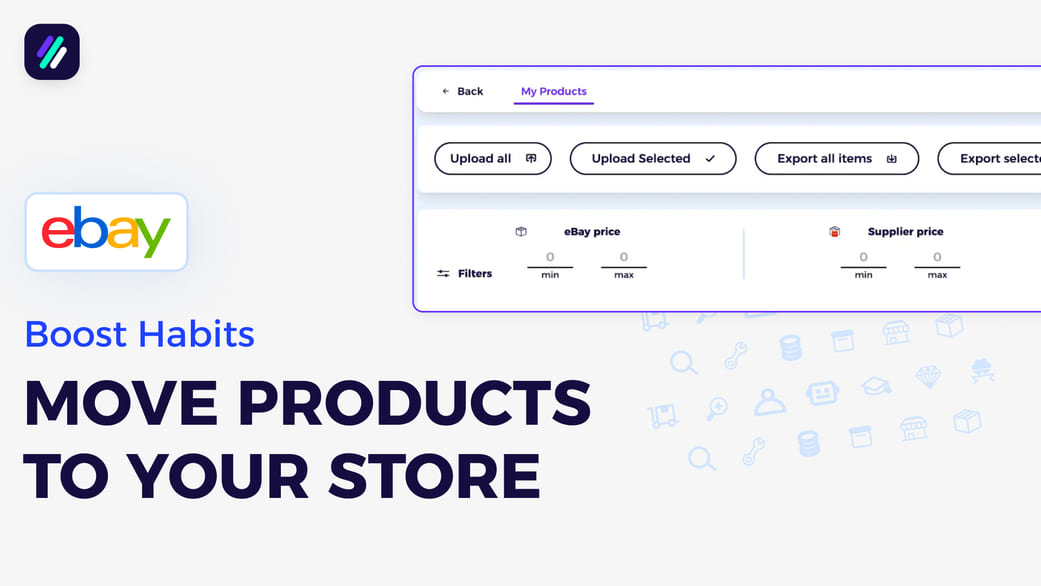
Add Products to Your Lister or Export Them to CSV After Finding Them on ZIK