Scan All Your Competitors Items at Once Using the Bulk Scanner
Scan All Your Competitors Items at Once Using the Bulk Scanner
📚 What This Video Covers
Scan Competitors Faster With Bulk Scanner
Goal: Learn how to use the Bulk Scanner tool to analyze winning products from one or multiple competitors quickly and automatically.
✅ Insight: Automation allows you to focus only on profitable, proven products instead of wasting time manually checking listings.
Why Use the Bulk Scanner?
The Bulk Scanner uses AI and automation to review all winning products from your competitors at once.
Products are organized by supplier match type:
• Exact Match
• Similar Match
• Not Found
You can scan up to five competitors at the same time and filter by profit, sales volume, and supplier source.
Step 1: Scan All Items From One Competitor
Click Scan All Items on a competitor.
Then click View Scanned Items to open the Bulk Scanner.
Select the competitor’s name to see all their products organized by match type.
No more manual scrolling through listings.
Step 2: Scan Up to Five Competitors at Once
Select the sellers you want to analyze.
Click Add to Multi Scanner.
Set your filters, for example:
• Minimum profit: $4
• At least 2 sales in the last 7 days
• Specific supplier (e.g., Amazon)
• Prime-only products
Choose the folder where results will be saved.
Click Create Scan.
Step 3: Review the Results
Click the scan name to view all winning products from the selected competitors.
From there, you can:
• Upload products to your monitor
• Export a CSV file
Suggested Videos
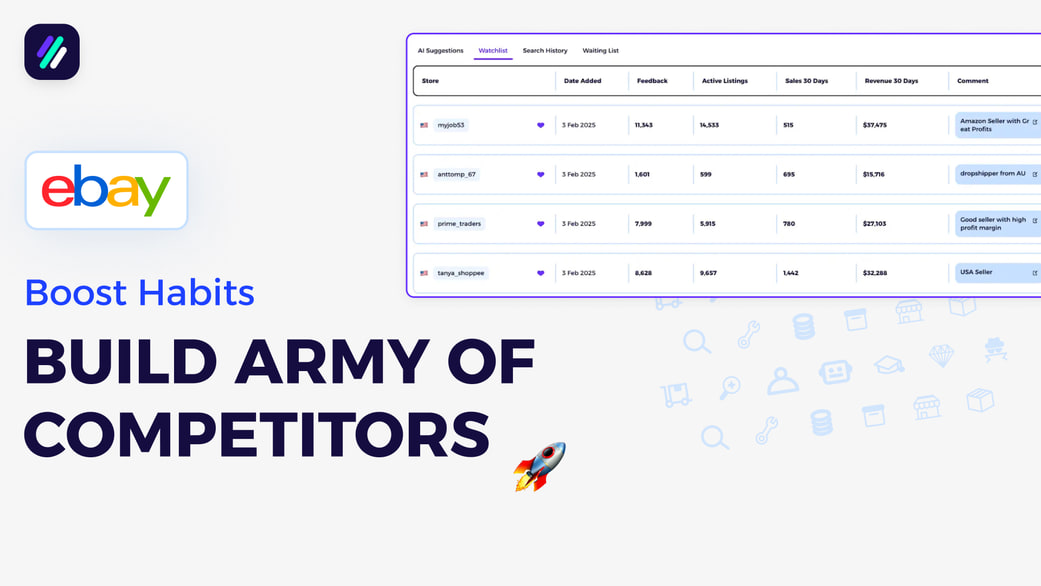
How to Build a Competitor Army That Finds Winning Products for You
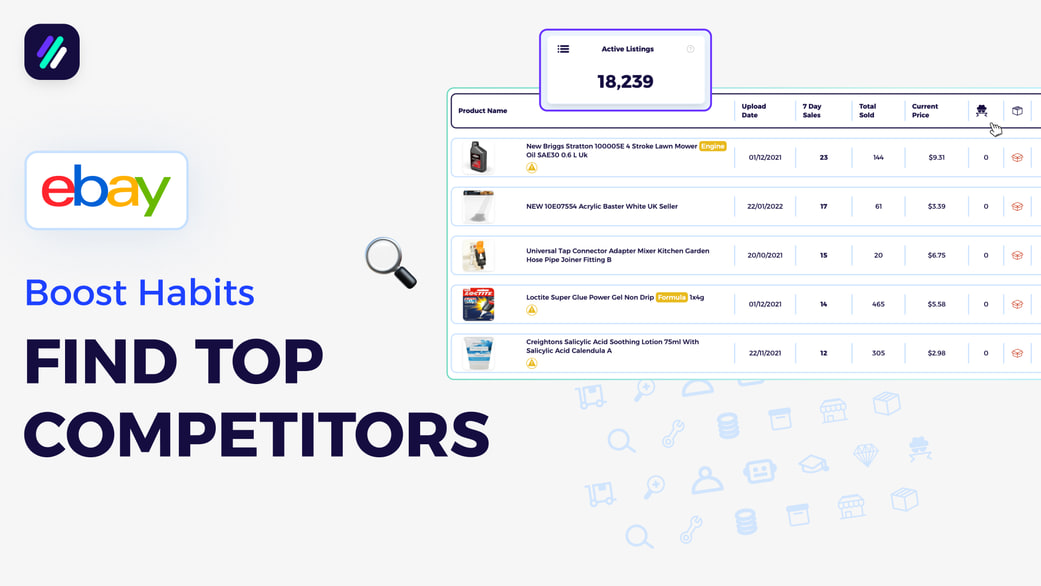
How to Find Strong Competitors That Match Your Selling Business Model
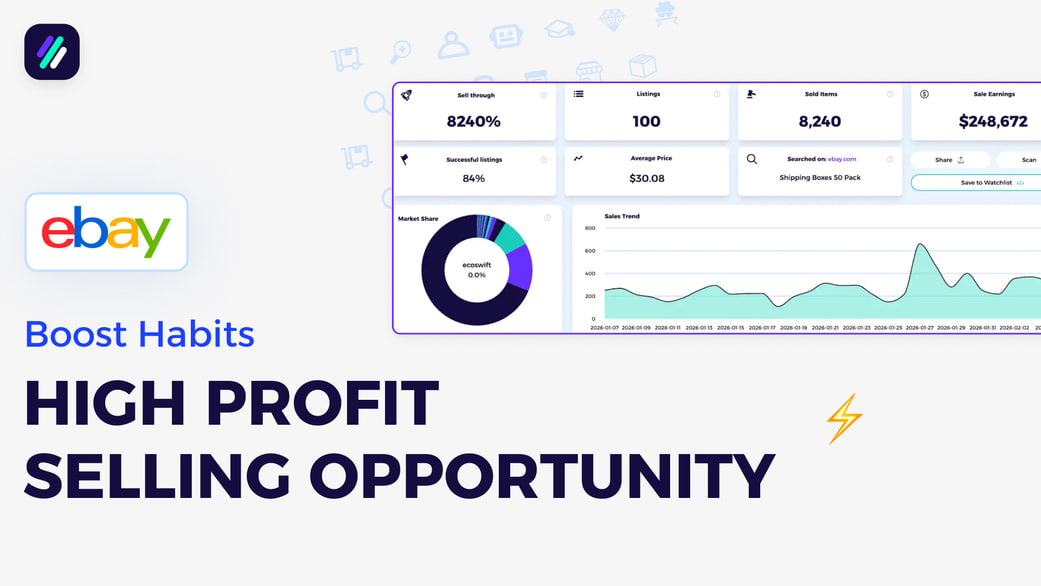
How to Build a Weekly Niche Research Habit That Finds Hidden Gem Niches
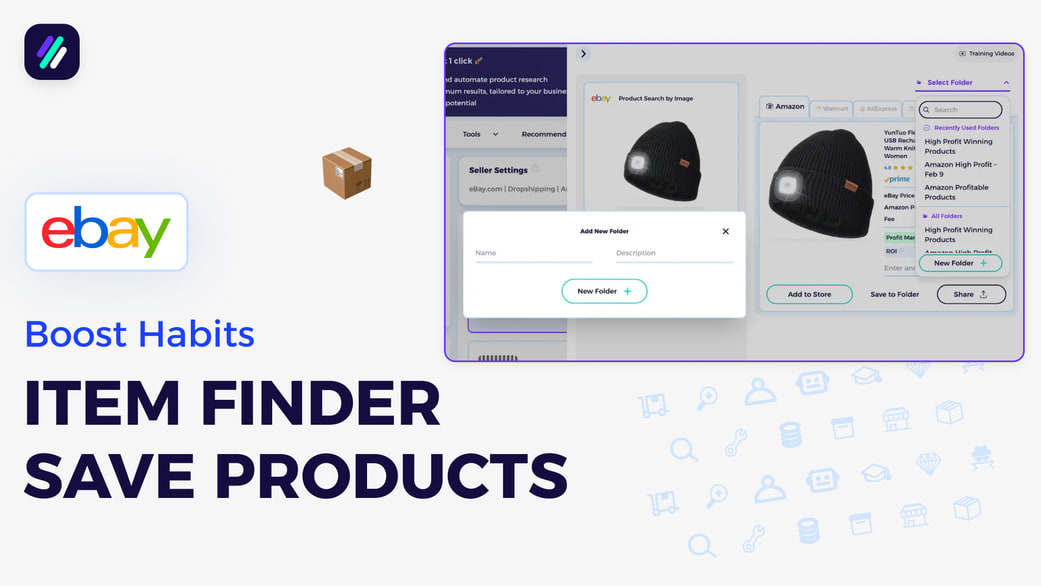
Quickly Save Products to ZIK Folders
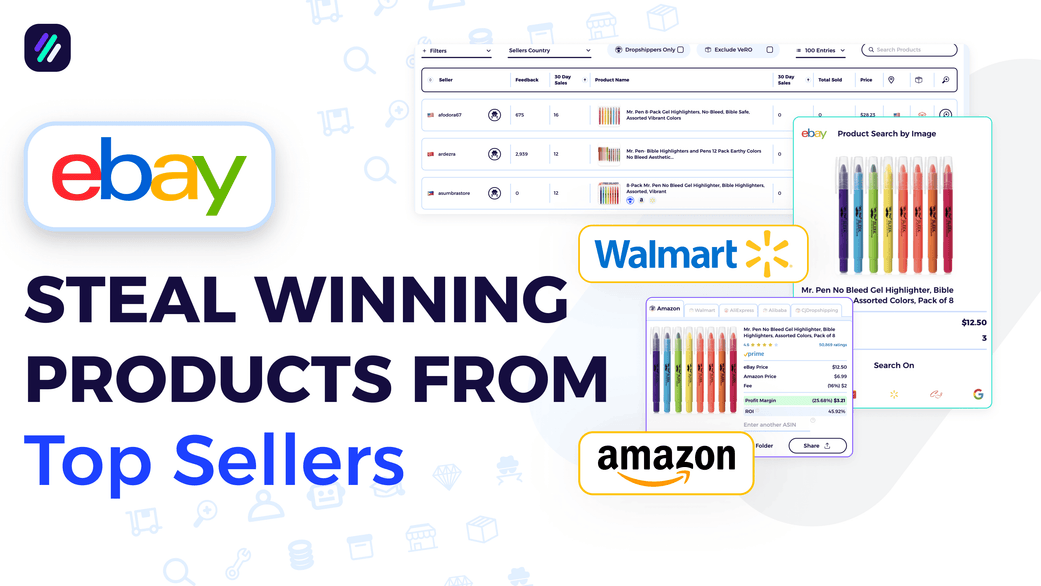
Scan All Your Competitors Items at Once Using the Bulk Scanner
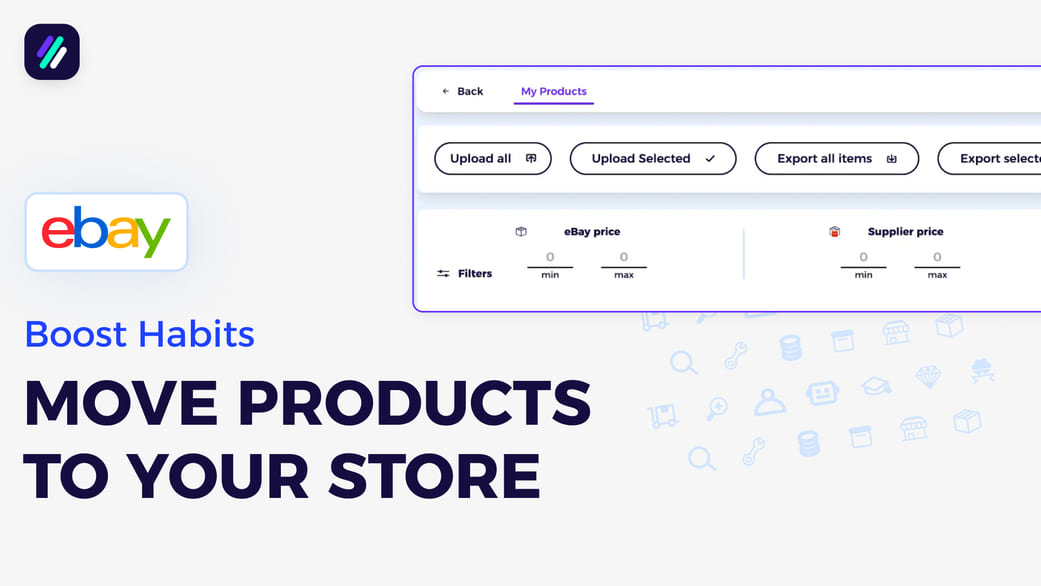
Add Products to Your Lister or Export Them to CSV After Finding Them on ZIK